
Why does film grain disappear or turn muddy on social video?
Test texture after resizing and compression instead of judging grain only inside the editing application.
2 MIN READ / READ GUIDE ↗FIELD NOTES / PRACTICAL GUIDES
START A PROJECT[ CHRIS RAW / FIELD NOTES ]
Practical answers to the questions behind AI video, music releases, color and delivery.
QUESTION-LED GUIDES / SOURCES / CLEAR NEXT STEPSBrowse practical AI video guides ↓[ PRACTICAL GUIDES / CHRIS RAW STUDIO ]
Practical questions about AI video production, color and finishing. AI-assisted guides with source references.
Test texture after resizing and compression instead of judging grain only inside the editing application.
2 MIN READ / READ GUIDE ↗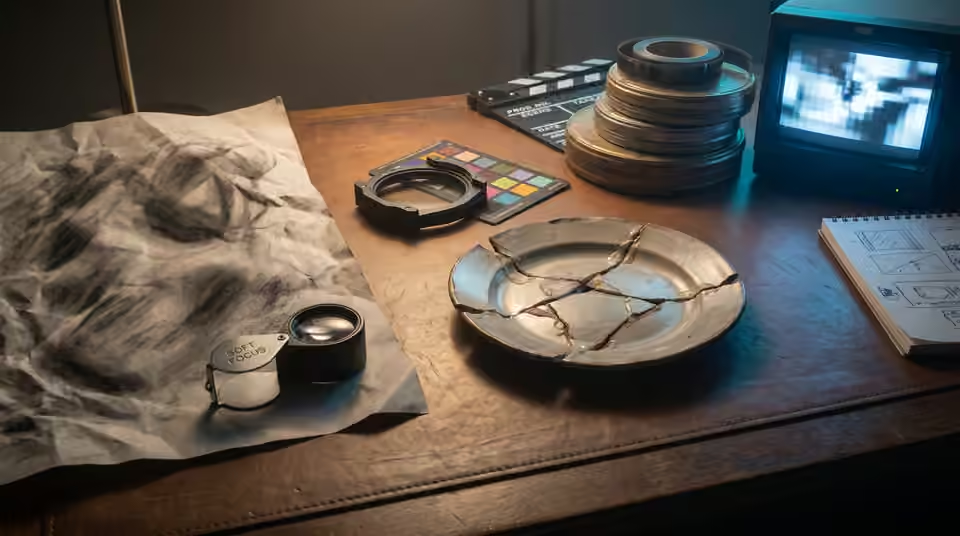
Judge apparent detail at delivery size and separate soft source material from sharpening artifacts.
2 MIN READ / READ GUIDE ↗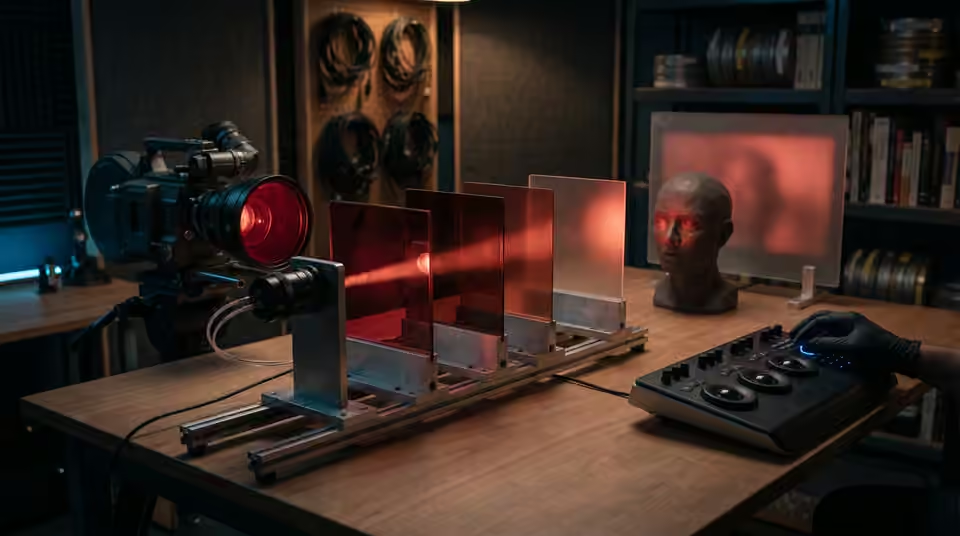
Check source detail, saturation and the creative look without flattening the red-light atmosphere.
2 MIN READ / READ GUIDE ↗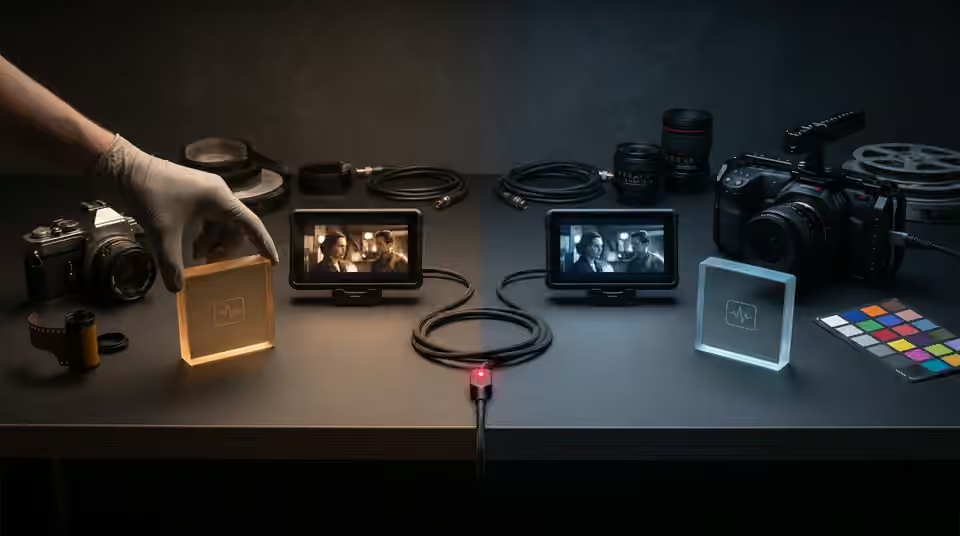
Compare source interpretation, project settings and dependencies before altering a transferred grade.
2 MIN READ / READ GUIDE ↗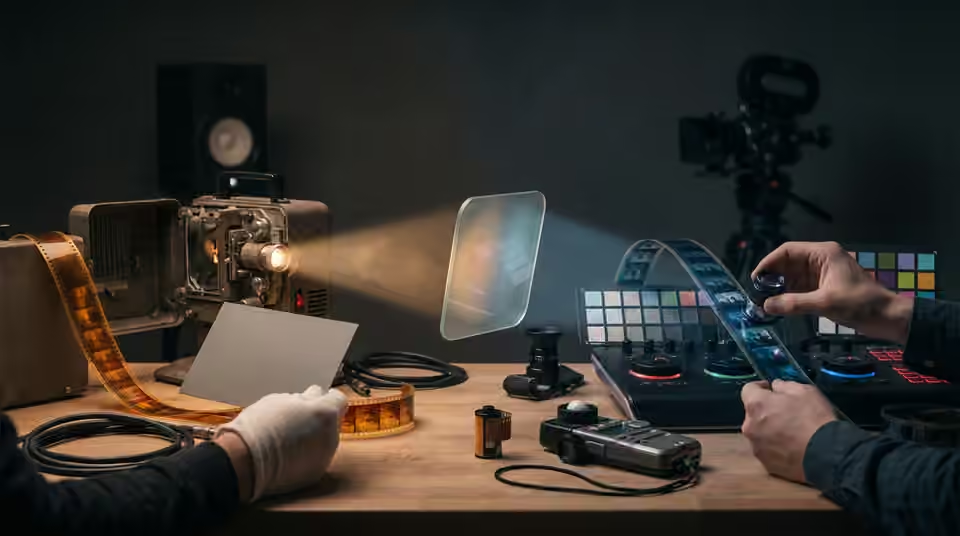
Separate source correction from the creative look, and test the order without neutralising intentional lighting.
2 MIN READ / READ GUIDE ↗
Find whether visible gradient steps come from the source, processing or export before adding noise or increasing file size.
3 MIN READ / READ GUIDE ↗
Choose a creative look strength using a representative sequence, readable subjects and the final delivery rather than a fixed percentage.
3 MIN READ / READ GUIDE ↗
Trace input transforms, clip effects, adjustment layers and baked exports to remove accidental duplicate grading.
3 MIN READ / READ GUIDE ↗
Diagnose source balance, look strength and selective adjustments before trying to force every face toward one color.
3 MIN READ / READ GUIDE ↗
Keep subjects readable in monochrome by checking tonal separation, source detail and contrast before adding a stronger look.
3 MIN READ / READ GUIDE ↗
Trace a color change through the source, timeline, export and playback environment before changing the grade.
3 MIN READ / READ GUIDE ↗
A .CUBE LUT changes color, not film grain. Learn where texture belongs in your grading workflow and what to check before exporting AI video.
3 MIN READ / READ GUIDE ↗
A LUT maps colors; a PowerGrade keeps an editable Resolve grade. Compare editor support, shot matching and handoff needs to choose the right format.
4 MIN READ / READ GUIDE ↗
Diagnose mismatched AI clips before applying a creative LUT, and separate shot balancing from the finishing look.
4 MIN READ / READ GUIDE ↗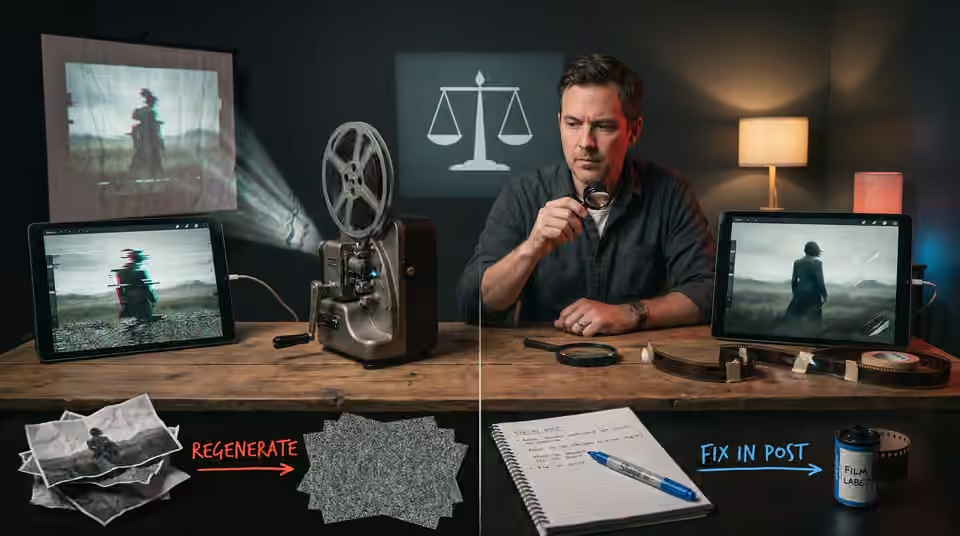
Choose the repair route by the fault, the shot’s purpose and the consequences for the surrounding edit.
5 MIN READ / READ GUIDE ↗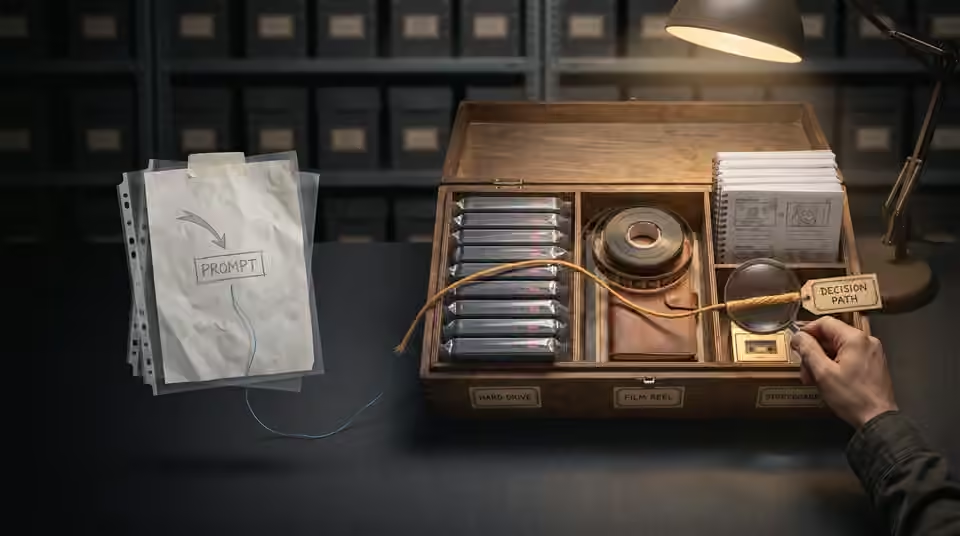
Keep the approved media and production decisions together instead of relying on prompts alone to recreate a film.
2 MIN READ / READ GUIDE ↗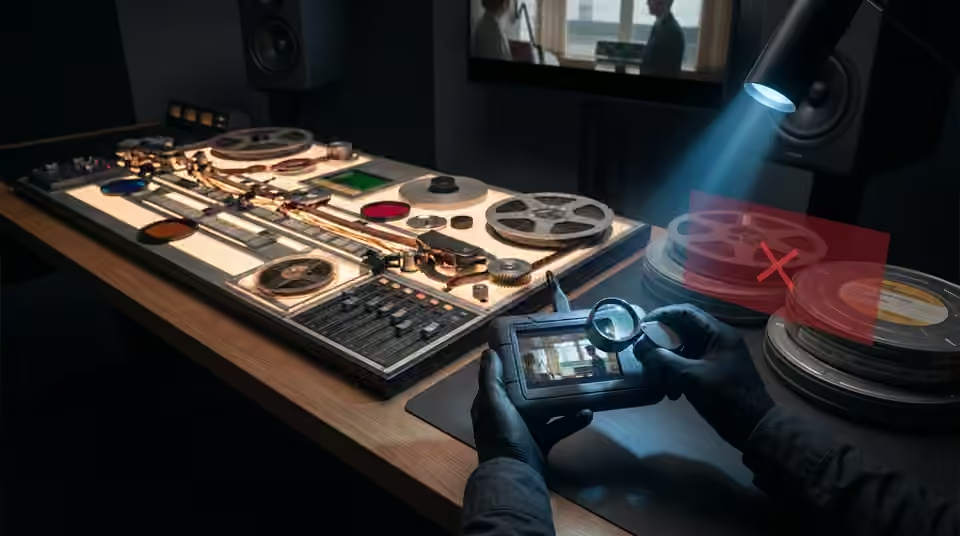
Review the actual exported files for picture, sound, text and version accuracy before sending the delivery link.
2 MIN READ / READ GUIDE ↗
Separate the message, product constraints and release purpose before choosing a visual treatment.
2 MIN READ / READ GUIDE ↗
Keep exact artist names, release dates and campaign typography controllable through revisions and alternate formats.
2 MIN READ / READ GUIDE ↗
Use an early look to guide the edit while keeping detailed finishing tied to stable shot decisions.
2 MIN READ / READ GUIDE ↗
Build a coherent reference pack with the angles, wardrobe and approved identity details the sequence needs.
2 MIN READ / READ GUIDE ↗
Use movement, shape, light or story purpose to make a cut feel intentional before adding an effect.
2 MIN READ / READ GUIDE ↗
Choose a few anchor images around the track’s important moments instead of making every shot compete.
2 MIN READ / READ GUIDE ↗
Plan where each character looks so separate shots read as one shared encounter.
2 MIN READ / READ GUIDE ↗
Attach each note to a version, a timecode and an observable change before another revision round.
2 MIN READ / READ GUIDE ↗
Test the movement and the available frames before relying on a slow-motion finish.
2 MIN READ / READ GUIDE ↗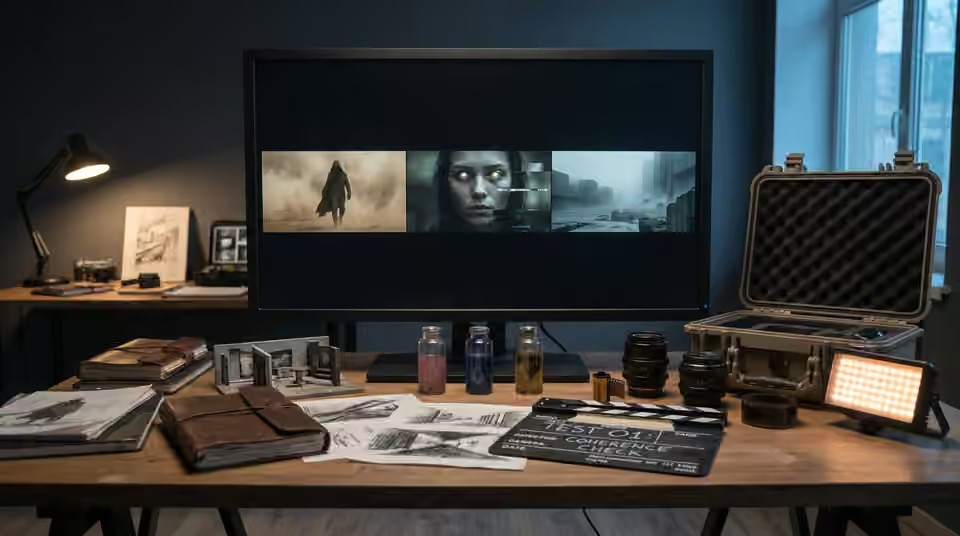
Use a small test to expose the hardest production assumptions before committing the full shot list.
2 MIN READ / READ GUIDE ↗
Review identity across the cut using angle, lighting and reference coverage before regenerating an entire sequence.
2 MIN READ / READ GUIDE ↗
Separate camera drift from subject motion and build a simpler test for a genuinely static composition.
2 MIN READ / READ GUIDE ↗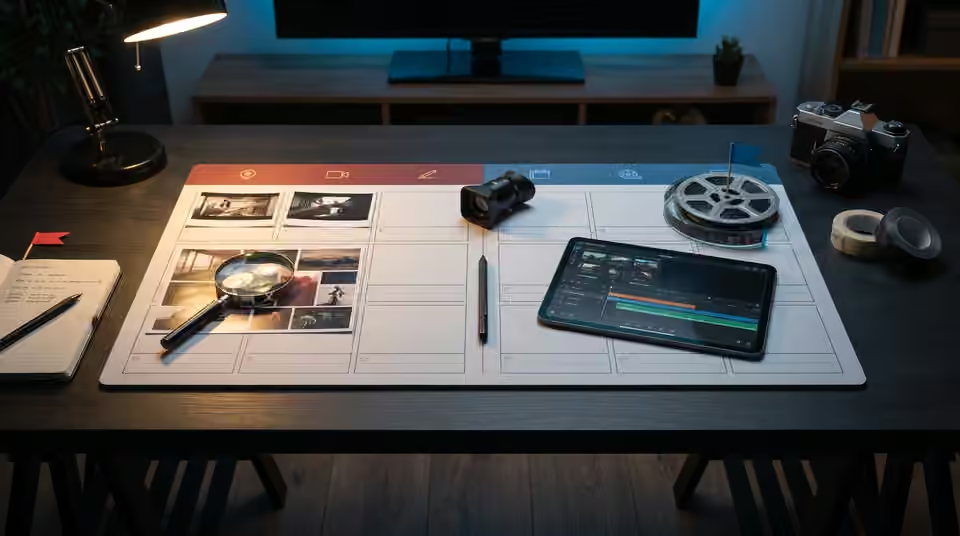
Give each shot an identity, a purpose and an approval state so feedback does not drift between versions.
2 MIN READ / READ GUIDE ↗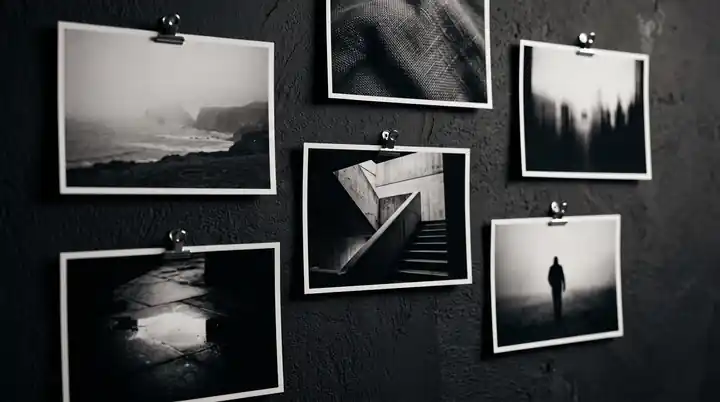
Build a useful reference set by separating identity, composition, lighting and mood instead of collecting contradictory images.
4 MIN READ / READ GUIDE ↗
Choose one visual promise, a readable release message and an ending that makes a short teaser feel deliberate.
3 MIN READ / READ GUIDE ↗
Check the seam, motion and internal transformations before relying on a crossfade to make a visualizer repeat.
3 MIN READ / READ GUIDE ↗
Use a simple spatial plan to keep entrances, exits, eyelines and movement understandable across generated shots.
3 MIN READ / READ GUIDE ↗
Choose AI video shot lengths around the action and music. Plan usable frames, edit handles and clip tests before spending time on the final generation.
3 MIN READ / READ GUIDE ↗
Give repeated choruses a visual progression through scale, proximity, consequence and recurring motifs.
3 MIN READ / READ GUIDE ↗
Plan around the product features that must remain exact, and decide when to use controlled assets instead of generated detail.
3 MIN READ / READ GUIDE ↗
Separate direction changes, edit feedback and finishing fixes so revisions happen at the stage where they cost least.
3 MIN READ / READ GUIDE ↗
Plan two compositions from one visual concept without relying on a last-minute crop to save every shot.
3 MIN READ / READ GUIDE ↗
Evaluate complete films, planning, revision boundaries and delivery scope before commissioning an AI music video.
4 MIN READ / READ GUIDE ↗
A practical handoff checklist for original AI clips, reference exports, edit decisions and color instructions.
3 MIN READ / READ GUIDE ↗[ FROM THE PORTFOLIO ]
Earlier first-person notes sit alongside the practical question guides.
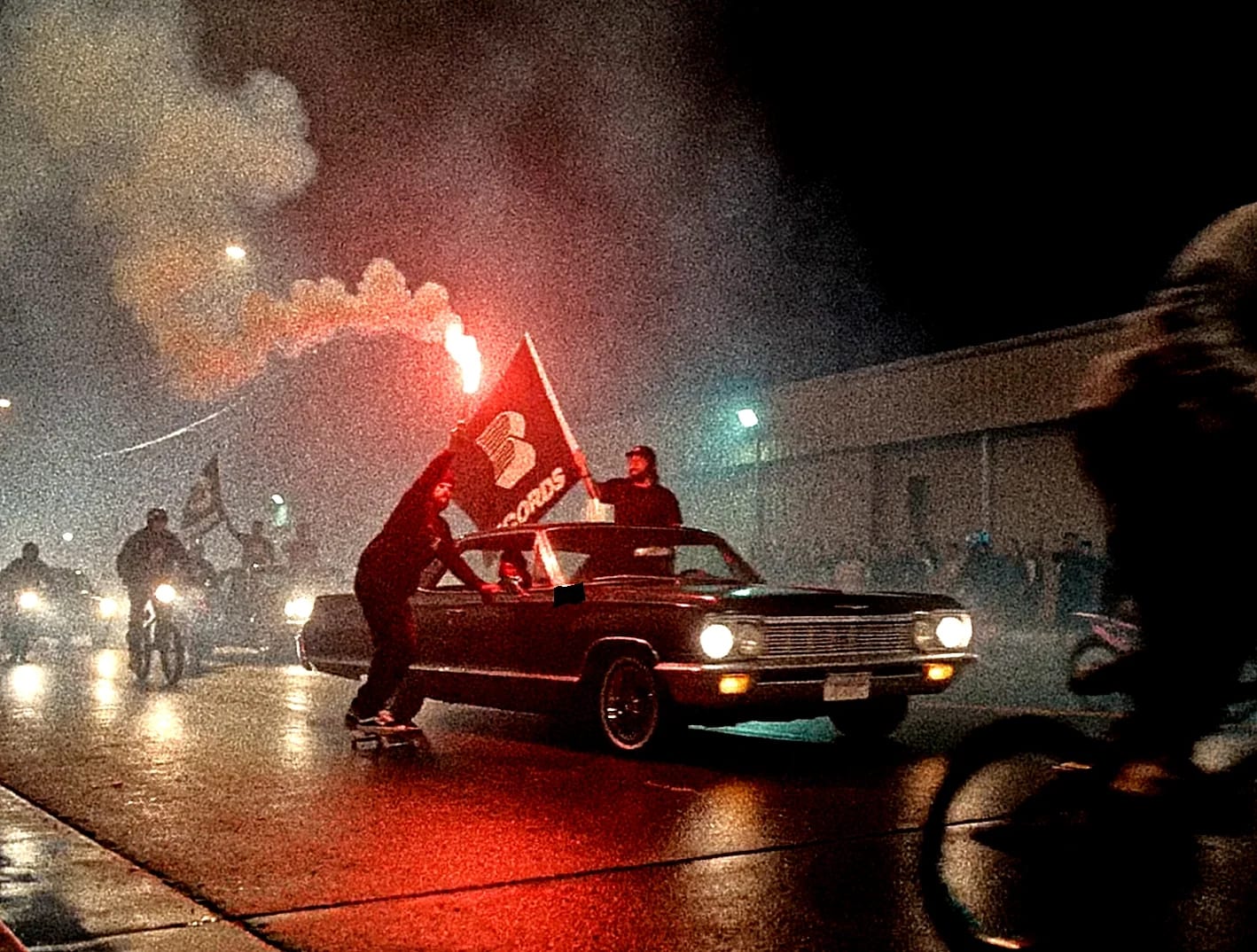
The problem is rarely generating one strong image. The hard part is making thirty or forty shots feel as if they belong to the same film. I solve that before the final edit, by deciding what the world allows and what it rejects.
3 MIN READ / CHRIS RAW ↗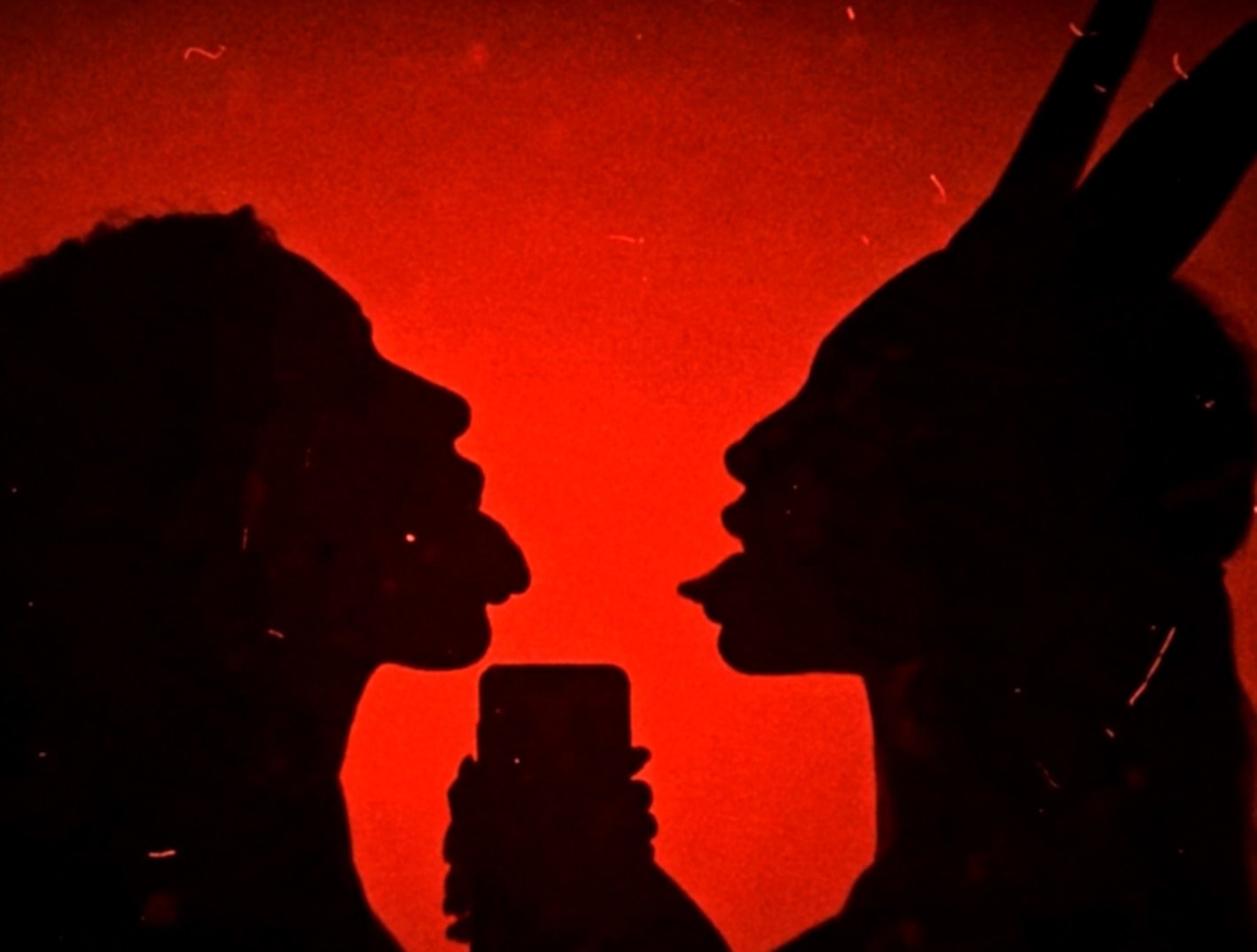
A visual world is not a moodboard with more pages. It is a set of decisions that makes the release recognizable before somebody reads the artist name. The song gives me the emotional logic. My job is to turn that logic into images that can survive across the whole campaign.
2 MIN READ / CHRIS RAW ↗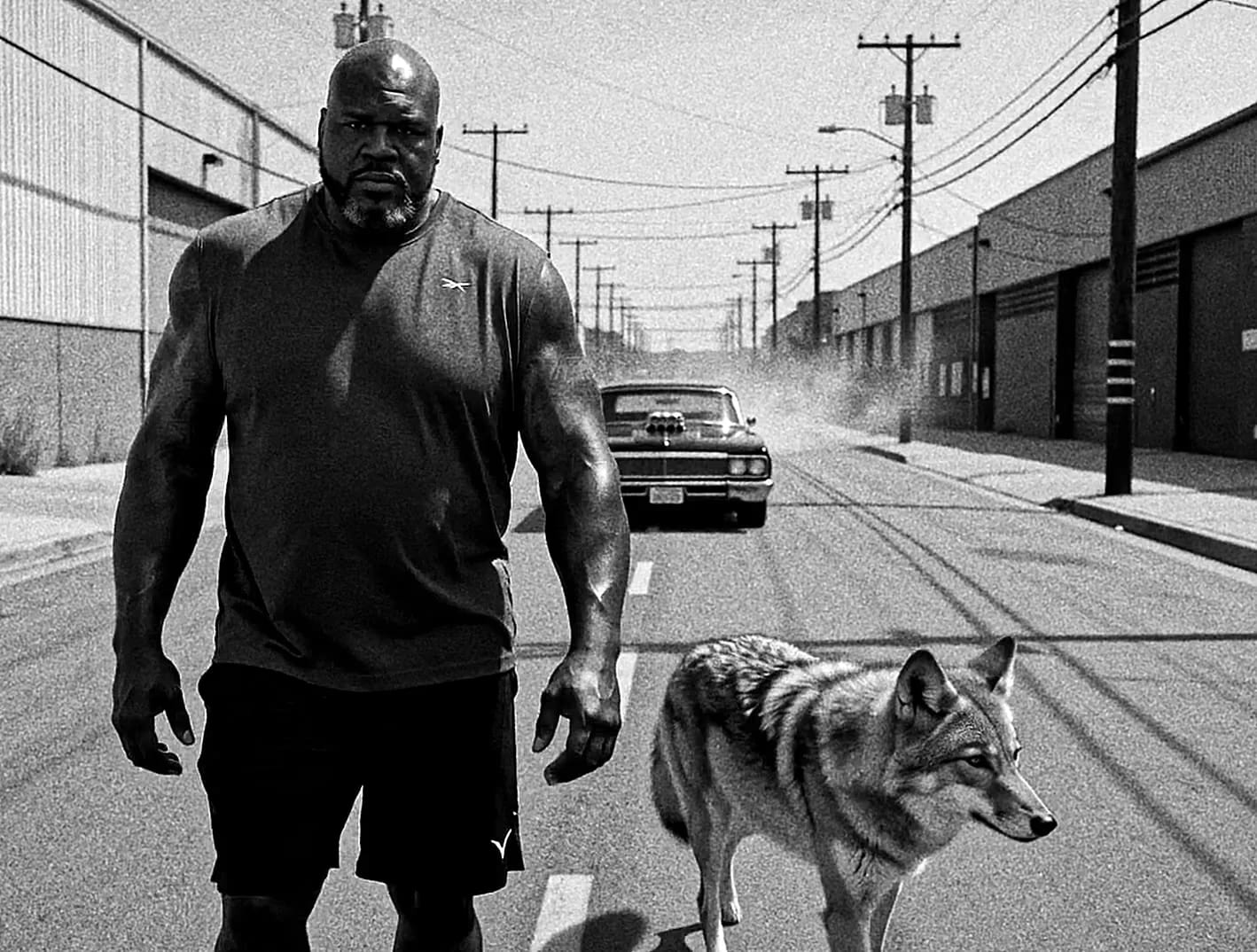
AI B-roll is useful when a music video already has a direction but needs more world, more scale or scenes that were impractical to capture. It is not useful when it is added as random spectacle. The new clips have to feel native to the edit that already exists.
2 MIN READ / CHRIS RAW ↗An AI music video is not made by pressing generate until enough clips appear. I treat it as a film: understand the track, define a visual system, build shots for an edit, then finish the image and every delivery format deliberately.
2 MIN READ / CHRIS RAW ↗A music visualizer is a video that accompanies a song with a sustained visual idea: a scene, animation or loop. A music video can develop a narrative, performance or sequence of changing scenes. Both can run for the full song; the difference is how the images develop, not simply the duration. Choose the format by what the release needs.
3 MIN READ / CHRIS RAW ↗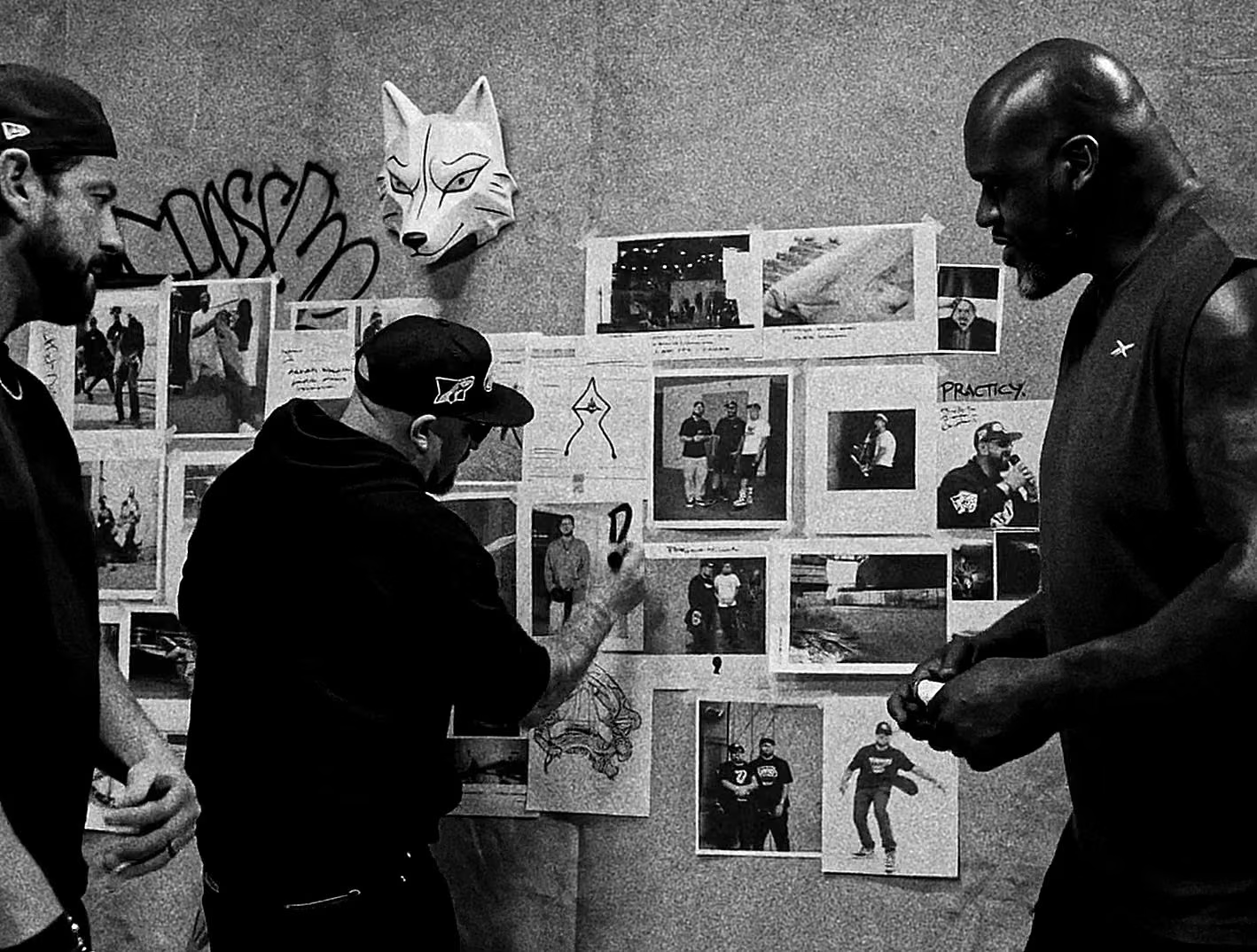
A useful brief does not prescribe every image. It explains the song, the audience, the desired effect and the real production constraints. That gives the director enough information to make specific decisions without turning the work into imitation.
2 MIN READ / CHRIS RAW ↗[ SEE THE FINISHED WORK ]
Cumulative Instagram views across 63 published reels. Explore finished films and credited Chris Raw projects separately from these practical answers.
VIEW SELECTED WORK