[ PRACTICAL GUIDE / GRADE TROUBLESHOOTING ]
Why does a PowerGrade look different in another Resolve project?
[ THE SHORT ANSWER ]
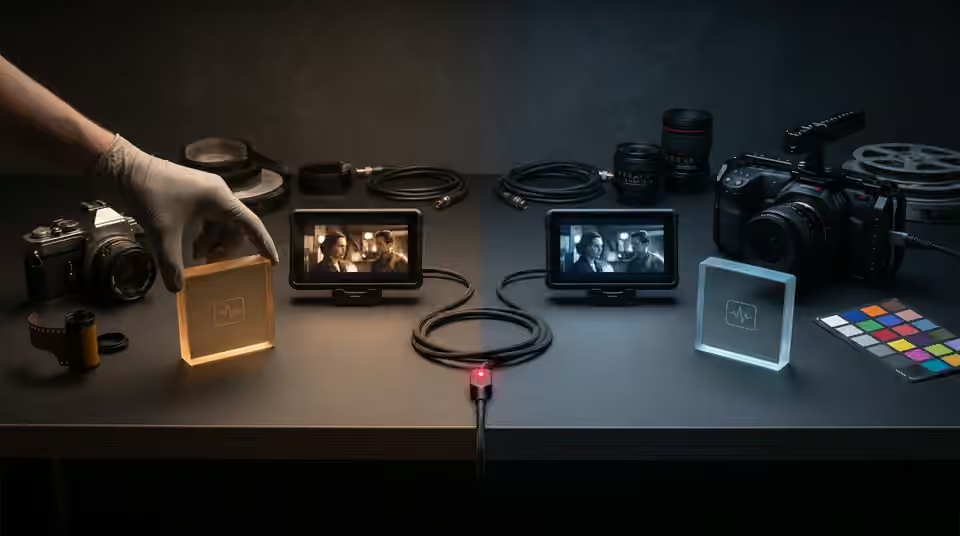
A transferred PowerGrade does not make two projects equivalent. The source media, color-management settings and surrounding processing still affect the result. Compare those conditions before deciding that the grade itself has changed.
Start with the same source frame
Use an identical original clip and the same timecode in both projects. Similar-looking exports are not a controlled comparison: one may already contain a baked look or a different transform. Check that you are reviewing original media rather than a proxy or an intermediate file with an undocumented treatment. Save a still from each version so the mismatch can be described precisely.
Inspect the full processing path
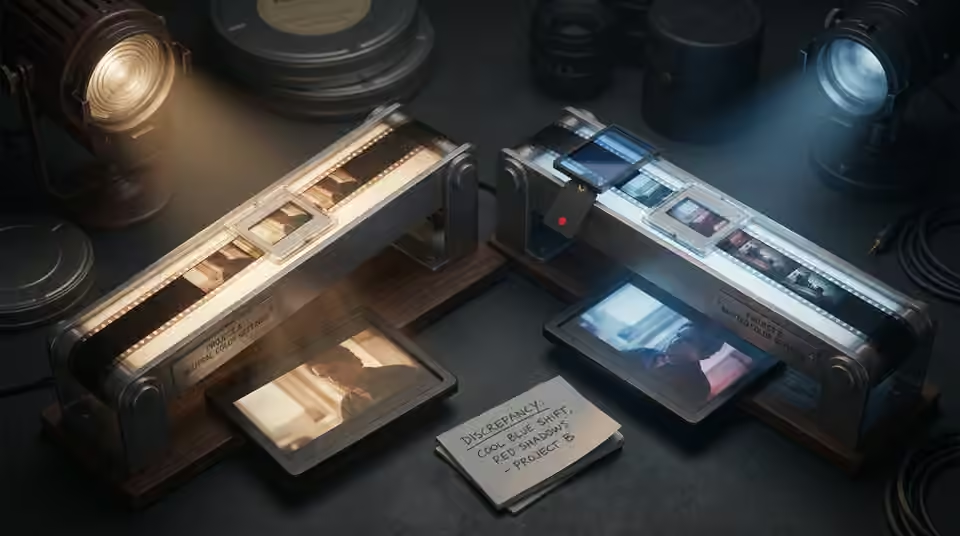
Compare project color settings and the interpretation of the source. Then inspect processing outside the copied grade, including any additional timeline or group treatment present in your workflow. The copied nodes can be identical while receiving a different image or feeding a different output stage. Write down the discrepancy before compensating with another adjustment.
Check what the grade depends on
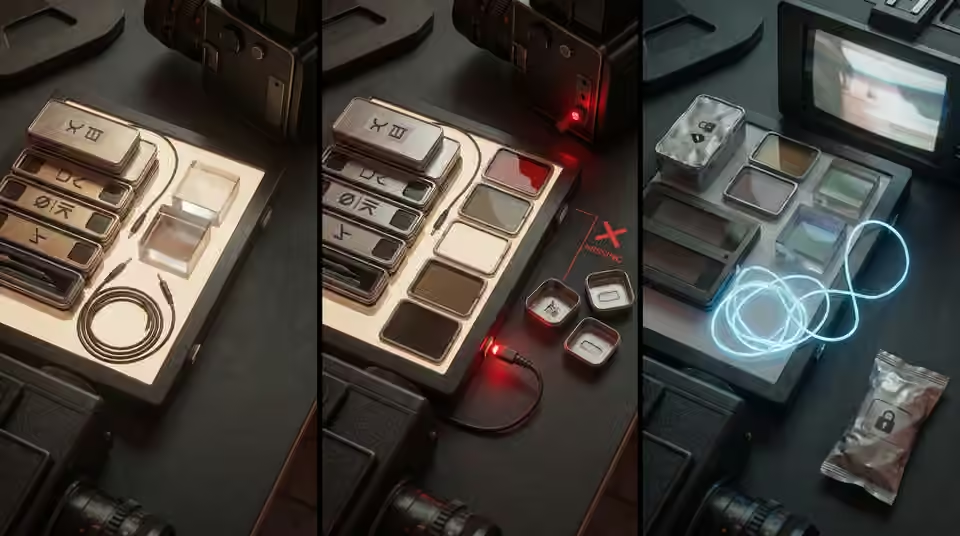
An editable grade may refer to resources or tools beyond its visible color adjustments. Read the provider's requirements and note any unavailable effects or missing LUTs reported by the application. Do not assume that replacing a missing component with a similarly named effect produces the same result. Keep a clean copy of the imported grade so troubleshooting does not overwrite the starting point.
Working on the next decision? Read LUT vs PowerGrade for AI video: which should you use?.
Transfer the intent as well as the nodes
Once the technical setup is understood, adapt the grade to the new footage deliberately. A face, a bright practical light and a saturated object make a useful small test. Compare the sequence rather than one flattering image. For DARKMODE or any other editable look, the ability to adjust the structure is useful precisely because new shots may need different balancing. Document the working setup with the delivered project so the next handoff begins with evidence instead of guesswork.
Sources and further reading
- LUT or PowerGrade for AI video: which should you use? ↗
- How to avoid applying the same LUT twice in your video edit ↗
- Adobe: color management in Premiere ↗
- Blackmagic Design: Resolve color tools ↗
AI-assisted practical guide published by Chris Raw Studio. The linked references support the technical and product information; planning examples are illustrative. No original product test is claimed.