[ PRACTICAL GUIDE / ART DIRECTION ]
Which reference images should you choose for an AI video?
[ THE SHORT ANSWER ]
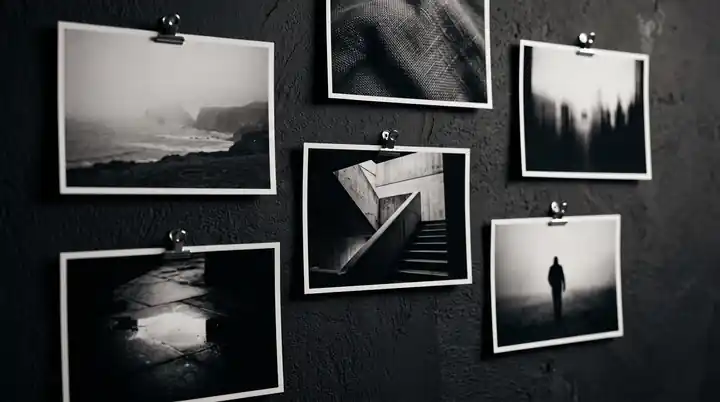
Choose reference images for the decisions they clarify. One may define a character, another the framing, and another the light. A large folder of attractive but contradictory pictures can make the intended result less clear rather than more detailed.
Before you begin
Before generating, write what each reference is supposed to contribute. If you cannot explain its role, it may not belong in the working set.
Separate the main decisions
Identity references describe who or what must remain recognizable. Composition references describe the arrangement of the frame. Lighting references show how form is revealed. Mood references suggest the emotional atmosphere.
These categories can overlap, but their purpose should remain explicit. If you want the lighting from one image but not its costume or location, say so in the brief and choose a workflow that lets you test that distinction.
Remove avoidable contradictions
Compare the set side by side. Does the same character have incompatible hair, wardrobe or proportions? Does one scene ask for harsh midday sun while another implies a dim enclosed space? Some contrasts may be intentional; unresolved ones create guesswork.
For a hypothetical industrial music video, you might keep one approved performer reference, one corridor composition and one restrained lighting direction. That is easier to evaluate than ten unrelated cinematic images whose strongest features compete.
Working on the next decision? Read How to choose an AI music video director for your release.
Use clear images for exact details
If a product shape or costume feature matters, make it visible. A tiny, blurred or heavily obscured reference cannot communicate the same information as a clear approved view.
Keep authorized source assets distinct from inspiration images. Do not treat an inspiration board as permission to reproduce a person's likeness, a brand asset or a specific finished artwork. For a commissioned project, establish which supplied materials are approved for use.
Test the reference set before scaling production
Generate a small representative test and compare it against the stated roles. Did the subject remain recognizable? Is the composition useful for the edit? Does the lighting support the intended mood?
Runway's image-reference documentation is a useful example of a model-specific workflow. Reference behavior and input limits vary across tools, so follow the current documentation for the model you use. A method that works in one interface should not be assumed identical elsewhere.
Keep an approved reference board
Once the direction works, freeze a clearly named reference set for that sequence. Record deliberate changes instead of silently replacing images halfway through production. This makes it easier to understand why later shots drift from earlier ones.
When sending a project brief, include a small selection with a sentence under each image. Explain the element you want to carry forward and anything you want to avoid. That gives the director useful constraints while leaving room to build an original visual world for the music.
Turn a Bounce frame into usable reference rules
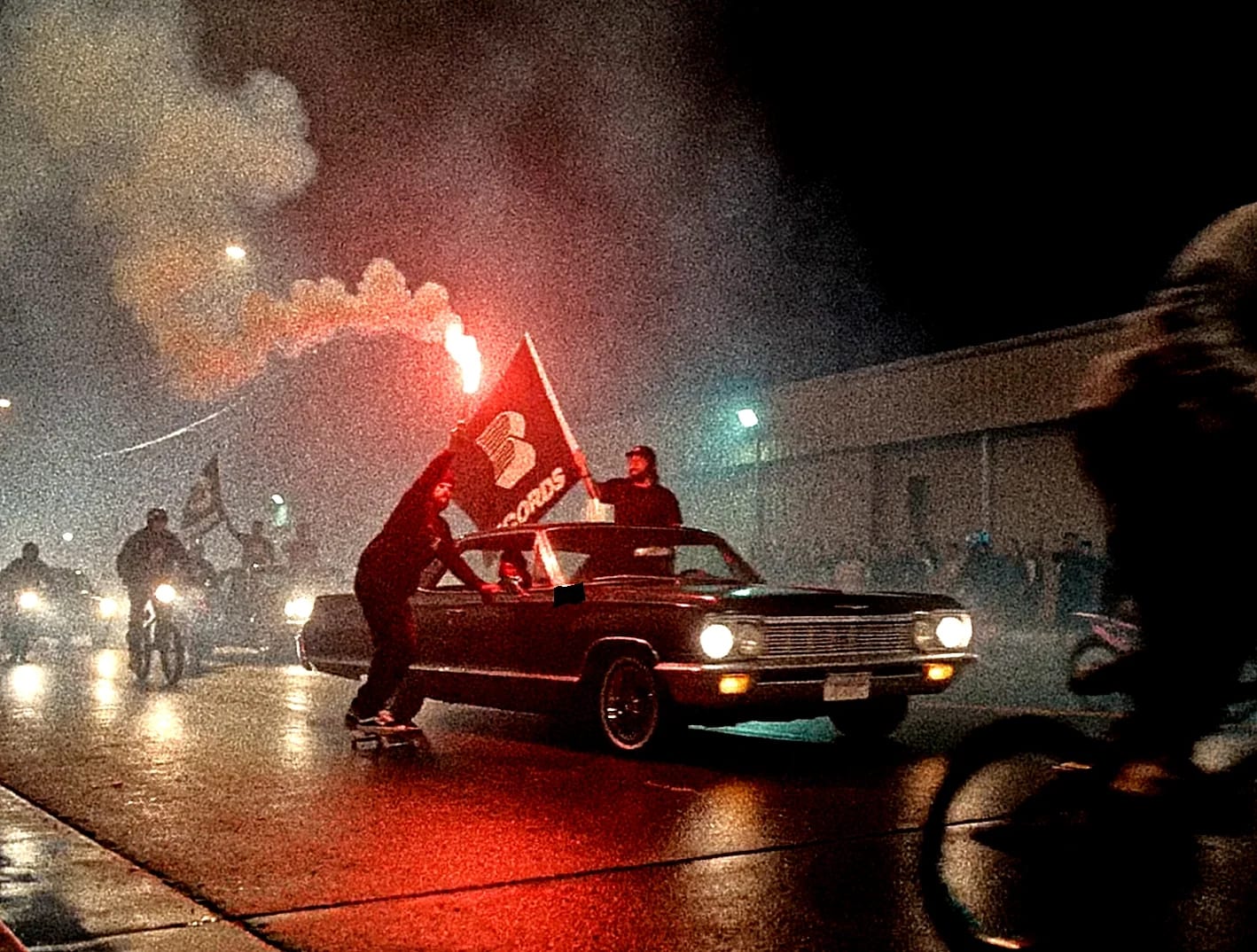
The published Bounce frame below contains several kinds of information: a lowrider establishes the object family, the wet road carries reflected light, and the flare supplies a warm accent against the night. Simply describing it as cinematic would lose the decisions that make it useful.
For a reference sheet, separate those decisions into subject, surface, light and framing. Use the project's other selected frames to check which elements recur through a change of camera distance. Then write the rule for your own film: which object must stay recognisable, which lighting relationship should survive, and which details are free to change? The aim is a consistent brief for a new scene, not a copy of Bounce.
Before generating a full sequence, compare one proposed wide shot and one closer shot against those rules. If the close-up changes the setting, material or time of day unintentionally, resolve that conflict in the references before asking color grading to join the shots.
Sources and further reading
AI-assisted practical guide published by Chris Raw Studio. The linked references support the technical and product information; planning examples are illustrative. The project example refers to published final work and links to its context and credits. No original product test is claimed.