[ PRACTICAL GUIDE / PROJECT HANDOFF ]
What should you archive so an AI video can be revised later?
[ THE SHORT ANSWER ]
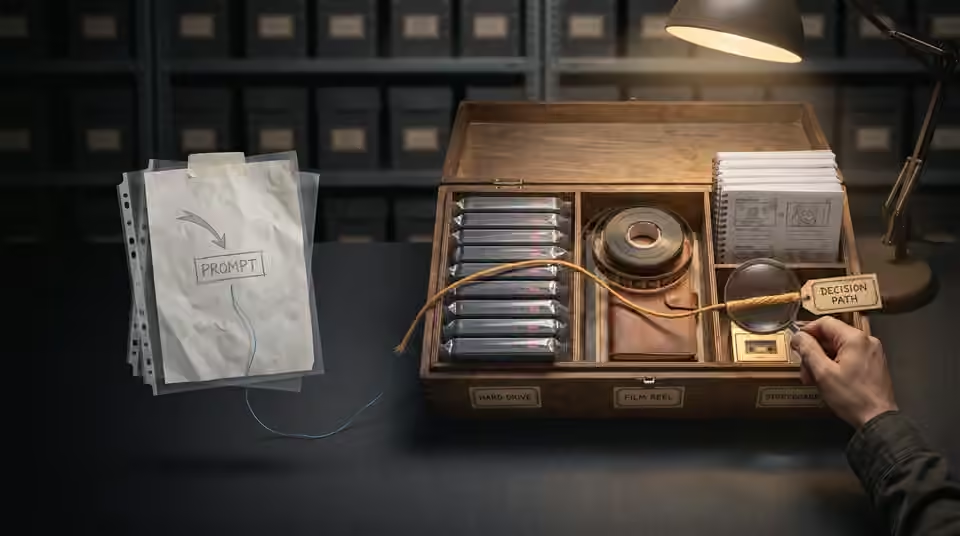
A reliable archive preserves the actual approved material and the decisions that connect it. Prompts alone are not a dependable replacement for generated files, edited sequences and finishing assets. Plan for the next person to understand the project without having access to every production chat.
Keep approved source media
Save the original generated clips, selected stills and any supplied assets needed by the edit. Separate these from review exports and unused alternatives. Use stable shot IDs so the relationship between the timeline and the source files remains clear. Before moving the project into storage, confirm that the editor can locate the required files from the archive structure.
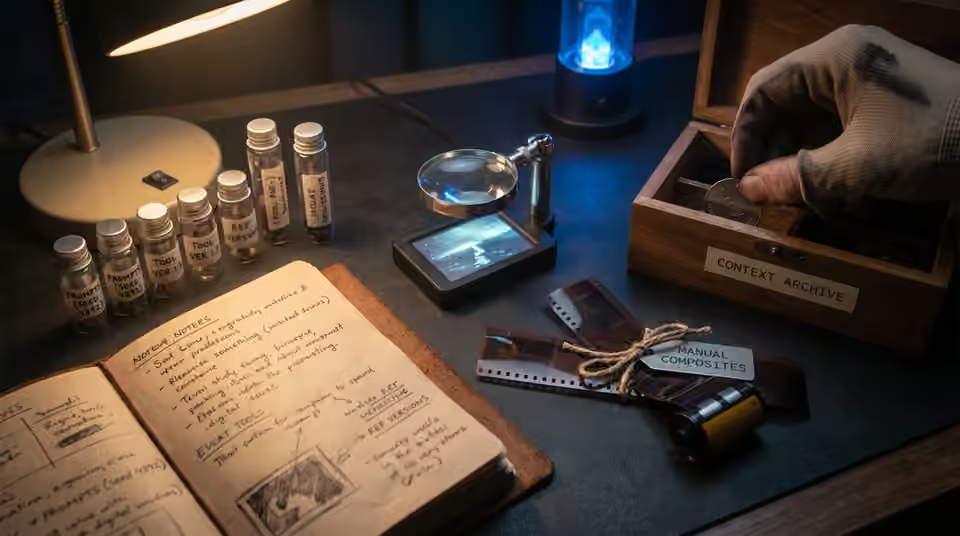
Preserve settings as context
Where available, record prompts, reference versions, model or tool versions, seed values and relevant generation settings. These notes help explain how a shot was approached, but do not guarantee that repeating the process will produce the same result. Keep the approved outputs regardless. Also record important manual work, such as compositing or retiming, that a generation log would not describe.
Include finishing and approval records
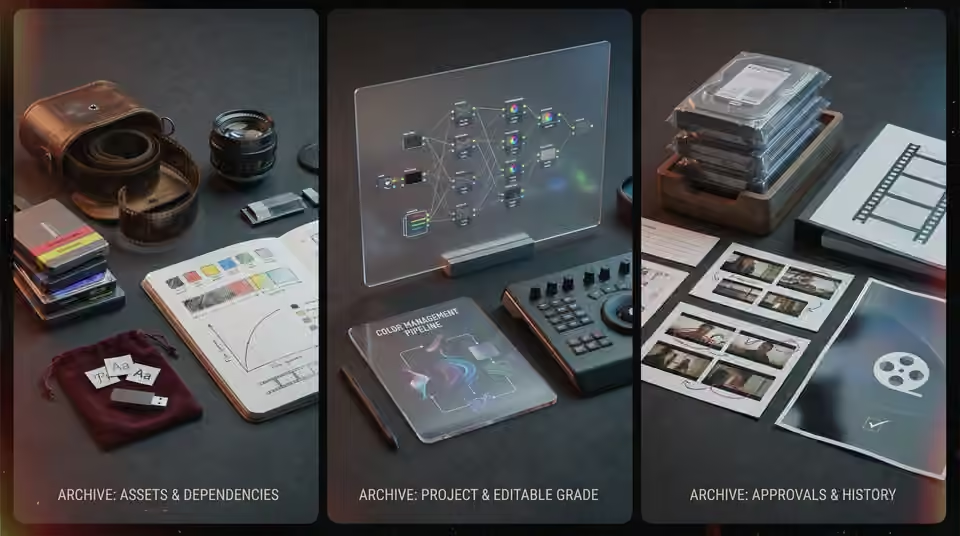
Archive the project file, fonts or their references, LUTs and other dependencies where your permissions allow, together with the documented color-management setup. Note anything another editor must obtain separately. Keep the approved delivery list, review export and concise change history. A screenshot of a node layout is useful context, but it should not be the only record of an editable grade that is required for future versions.
Working on the next decision? Read How to prepare AI video files for a colorist.
Test a small reopen
Open the archived project from its intended location and check a representative sequence. Look for missing media, effects or a changed output. Verify one title and one finished shot against the approved master. Record what was tested and retain the master files separately from temporary caches. The goal is a practical handoff for future edits, not an enormous unlabelled folder that merely contains every file created during production.
Sources and further reading
- How to prepare AI video files for a colorist ↗
- Which AI video revisions should happen before the final render? ↗
AI-assisted practical guide published by Chris Raw Studio. The linked references support the technical and product information; planning examples are illustrative. No original product test is claimed.
Explore Chris Raw’s selected films to see the finished work, or meet the director behind the studio.