[ PRACTICAL GUIDE / TITLES & GRAPHICS ]
Should you generate titles inside an AI video or add them in the edit?
[ THE SHORT ANSWER ]
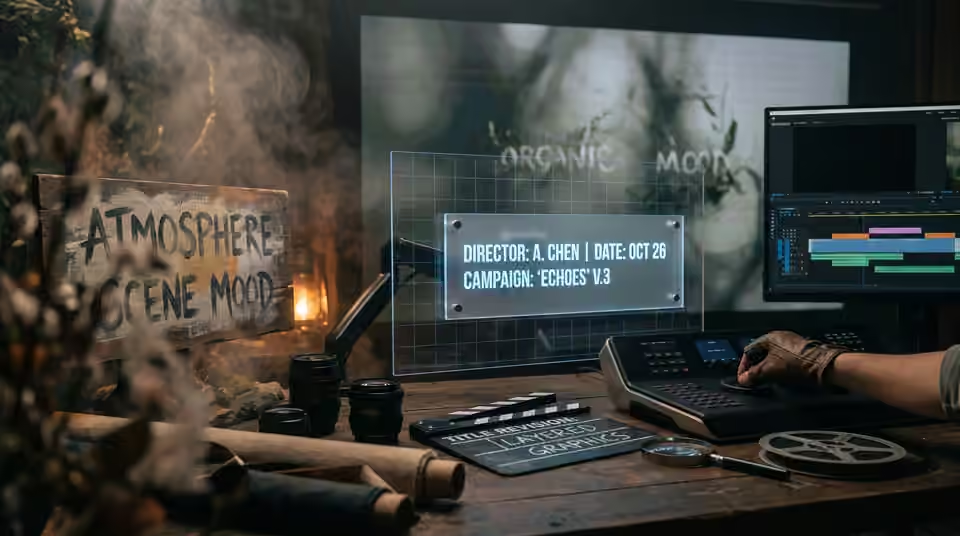
When wording must be exact, adding titles as a controlled graphics layer usually makes revisions easier. A generated sign may belong to the scene's atmosphere, but artist names, dates and campaign messages need reliable spelling, timing and legibility across every delivery.
Separate scenic text from release information
Decide whether the text is part of the fictional environment or information the audience must read. A distant background sign serves a different purpose from a release date. For essential wording, agree the approved copy and typography before final output. Do not treat a convincing first frame as proof that generated lettering remains stable through motion.
Plan space before generating
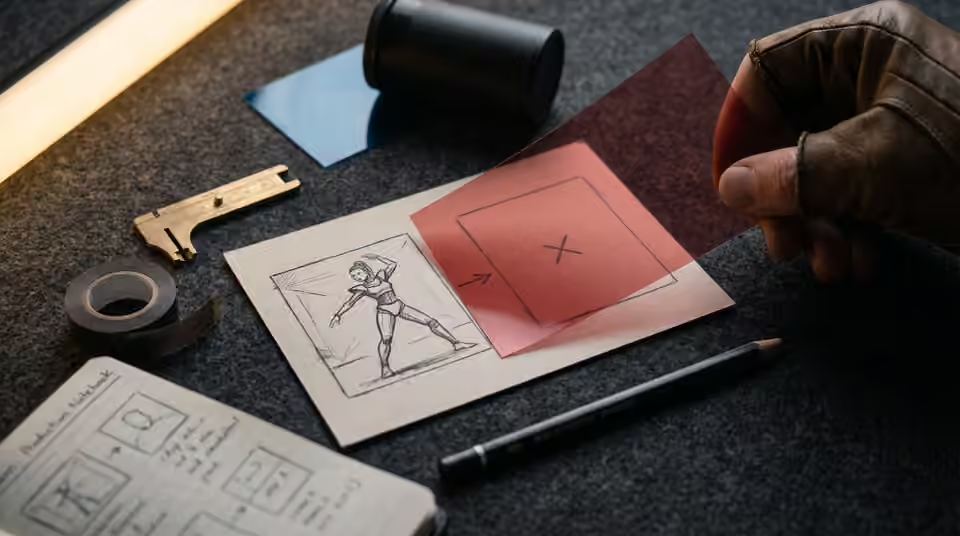
Identify where the title will sit and how long it should remain readable. Choose compositions that leave an appropriate area instead of discovering at the end that every frame is crowded. Test the intended text over rough footage early. If the title must interact with a moving subject, describe that relationship in the production plan so masking or tracking work is accounted for.
Review each format independently
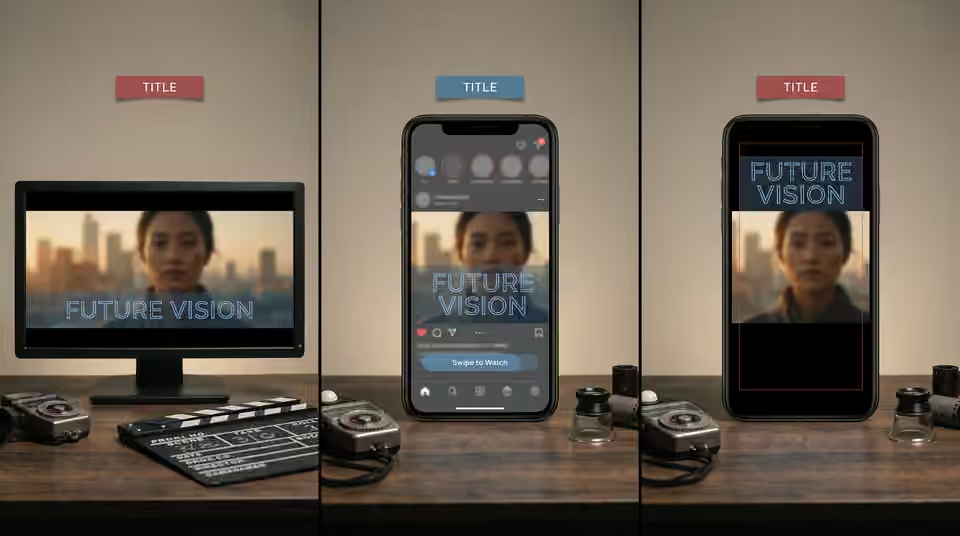
A title that works in a wide frame may compete with the face in a vertical crop. Check the real composition at the intended viewing size, including any platform interface that could cover the message. Avoid assuming one fixed safe-area measurement suits every destination indefinitely. Use the delivery requirements for the actual release and revise placements when those requirements change.
Working on the next decision? Read How to build an AI music release teaser from a longer film.
Preserve editable and clean versions
Keep the approved text separate in the project and agree whether a textless master is needed. Record the version of the artist name, date and other copy used in each export. Before delivery, review spelling, timing, contrast and the end frame rather than checking only the thumbnail. Controlled titles let a campaign adapt when a date changes or another language is requested without forcing the entire underlying scene to be generated again.
Sources and further reading
- How to build an AI music release teaser from a longer film ↗
- How to plan an AI music video for horizontal and vertical release ↗
AI-assisted practical guide published by Chris Raw Studio. The linked references support the technical and product information; planning examples are illustrative. No original product test is claimed.
Explore Chris Raw’s selected films to see the finished work, or meet the director behind the studio.