[ PRACTICAL GUIDE / PRODUCTION DECISIONS ]
Should you regenerate an AI shot or fix it in post-production?
[ THE SHORT ANSWER ]
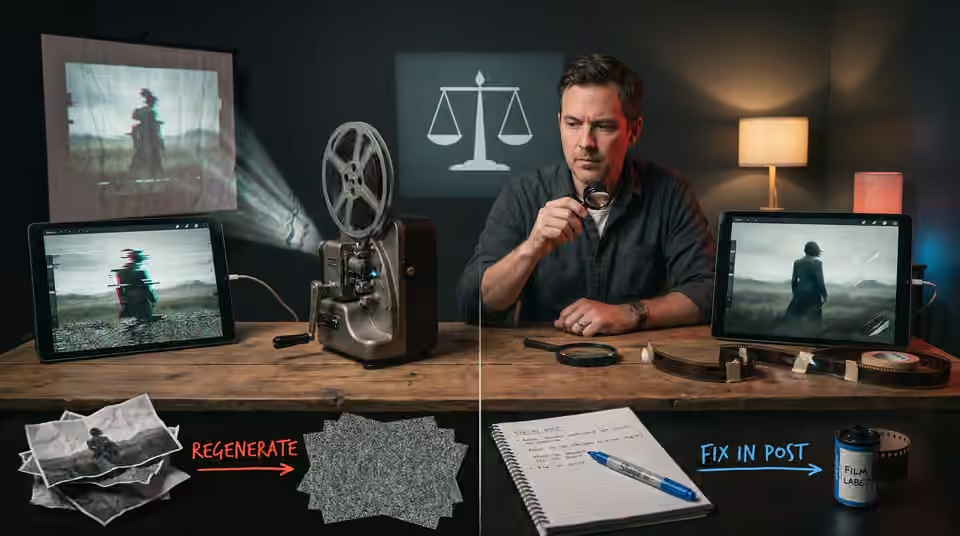
The useful choice is the one that preserves the shot's purpose with a result you can verify. Regeneration is not automatically cleaner, and post-production is not automatically faster. Describe the fault and its effect on the sequence before deciding which route to take.
Separate structural faults from finishing faults
A changing face, an impossible interaction or an unstable product shape may affect the shot's underlying content. A small exposure mismatch or a contained unwanted edge may be a different class of problem. Review the full interval used in the edit: a repair that succeeds on one frame can fail when the camera or subject moves. Name the affected area and the required final behaviour.
Check the simplest editorial option
Before rebuilding, test whether another approved take, a shorter interval or a motivated insert solves the problem without weakening the scene. This is useful only when the resulting sequence still communicates the intended action. Cutting away from every difficult moment can make the film vague. Compare the revised passage against the track and the story purpose, not only against the visibility of the defect.
Run a bounded repair test
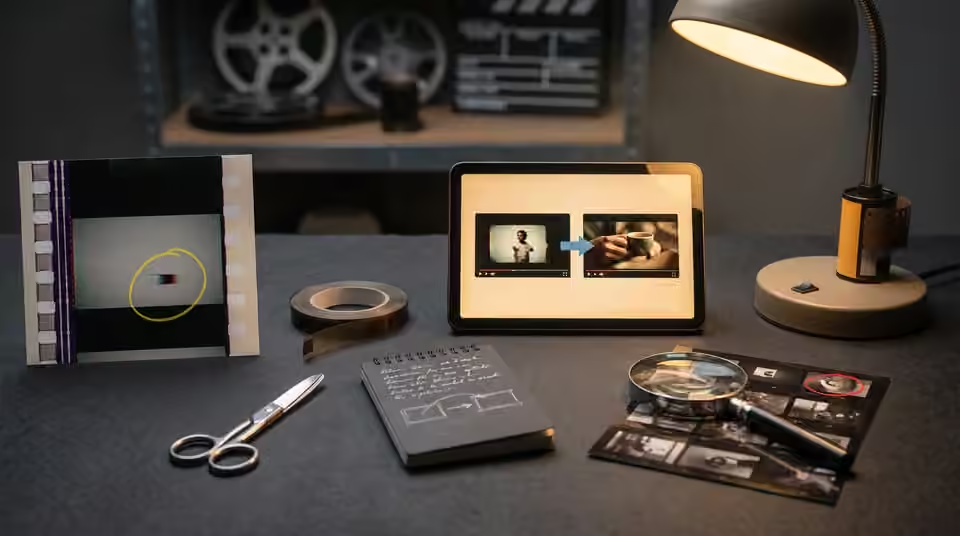
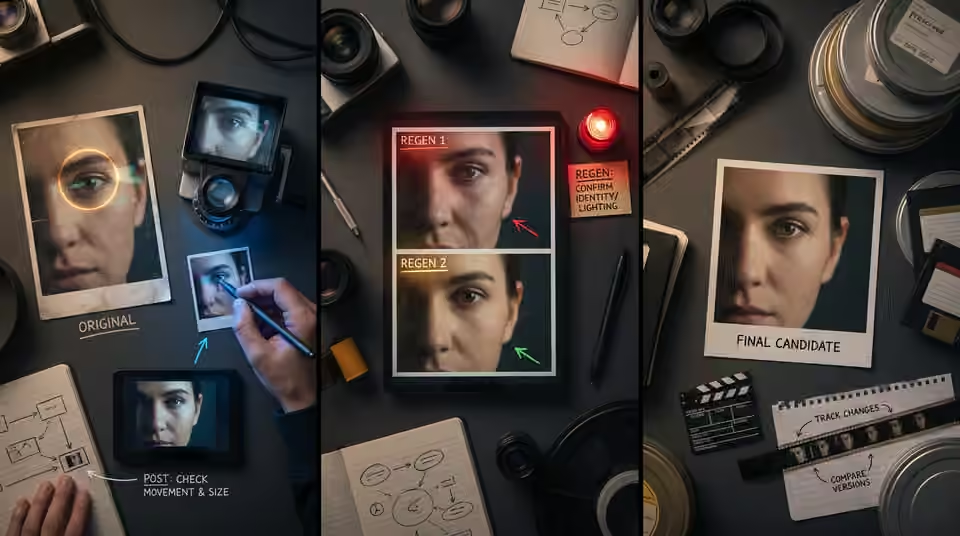
Try a short representative section before committing the whole shot to either route. For post, inspect the repair through movement and at delivery size. For regeneration, confirm that the corrected detail does not introduce a different identity, camera or lighting problem. Preserve the approved original and give each candidate a clear version. Record what changed so the next comparison remains meaningful.
Working on the next decision? Read Which AI video revisions should happen before the final render?.
Count the downstream consequences
Replacing a shot can affect timing, continuity, color and alternate crops. Include those consequences when judging the work, especially near final delivery. If the fault concerns a critical product or artist detail, use the agreed acceptance criteria rather than hoping viewers will overlook it. Approve the repaired shot with its neighbours and keep a note of any accepted limitation. That makes the decision traceable and helps avoid repeating the same unresolved problem elsewhere in the film.
Sources and further reading
- Which AI video revisions should happen before the final render? ↗
- How to keep product details consistent in an AI brand film ↗
AI-assisted practical guide published by Chris Raw Studio. The linked references support the technical and product information; planning examples are illustrative. No original product test is claimed.
Explore Chris Raw’s selected films to see the finished work, or meet the director behind the studio.