[ PRACTICAL GUIDE / EDITING CONTINUITY ]
How do you connect AI scenes without relying on random transitions?
[ THE SHORT ANSWER ]
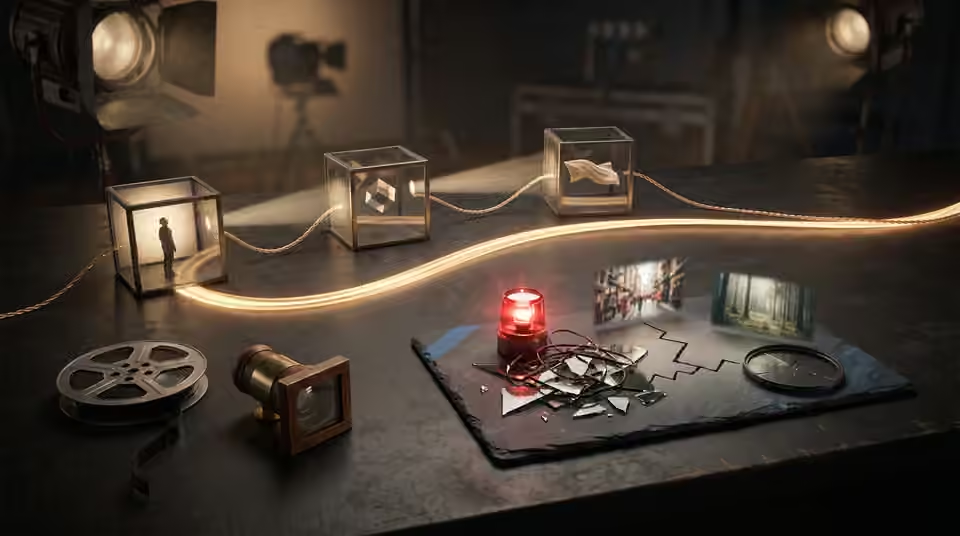
A transition works best when the two shots already share a useful relationship. Movement, shape, light, gaze or the song's structure can connect different scenes. An elaborate effect cannot consistently make unrelated images feel like one directed film.
Name the connection
Before choosing an effect, describe why the second shot follows the first. A moving hand may lead into another action; a bright circular light may connect to a similar shape; a location change may mark a new part of the track. If you cannot name the relationship, reconsider the shot order. The cut should do something for the audience beyond concealing the end of a generated clip.
Build compatible entry and exit points
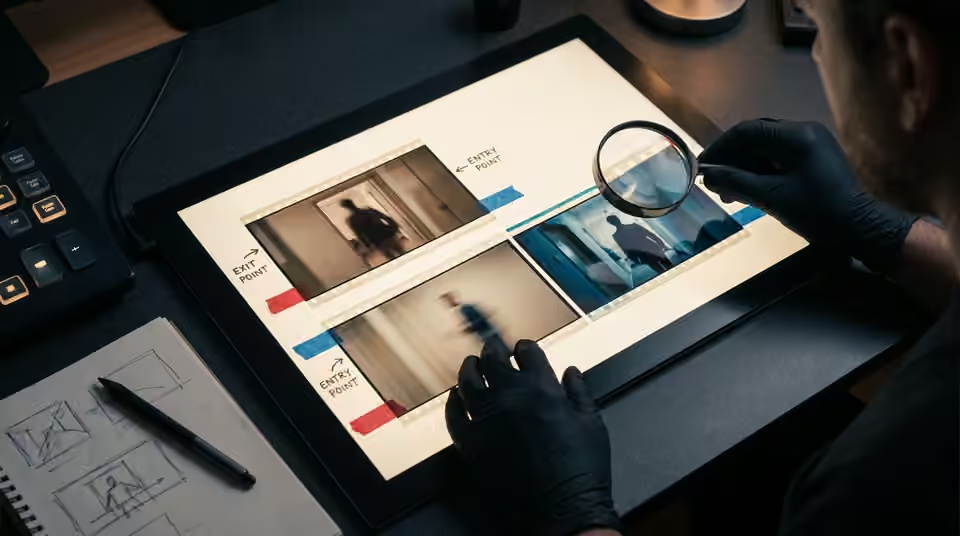
Review how the first shot finishes and the next one begins. Check motion direction, subject position and the moment of action. A candidate can be strong in its middle but have an unusable start or finish. Include handles in the production brief and test neighbouring shots together so the editor has a genuine choice of cut points.
Try the direct cut first
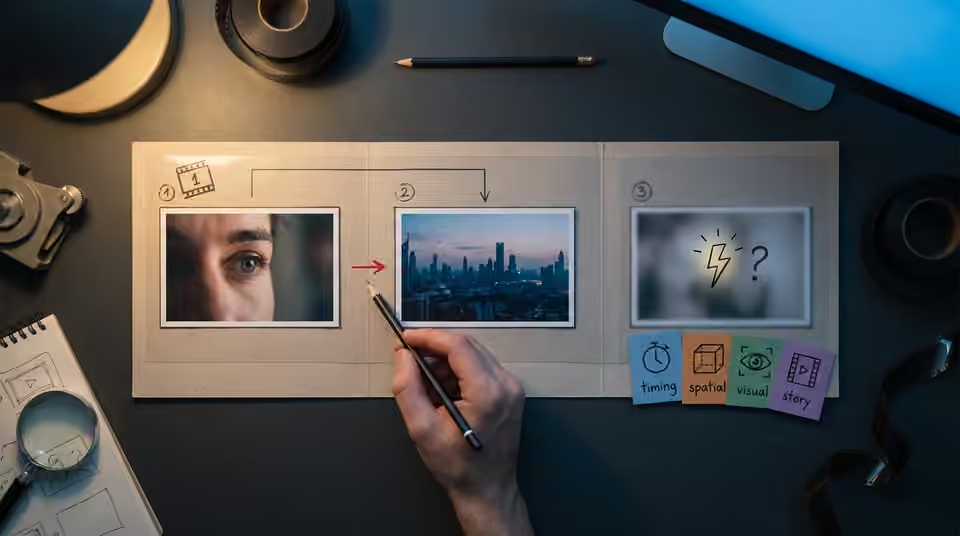
Make a clean version without a transition effect and watch it against the track. If the relationship is clear, an effect may be unnecessary. If the cut feels wrong, identify whether the issue is timing, spatial confusion, visual inconsistency or a missing story beat. Each asks for a different response. Adding a flash to all four problems can make the film busier without making it clearer.
Working on the next decision? Read How to keep screen direction clear in an AI video sequence.
Reserve special transitions for a purpose
Use a more noticeable transition when it communicates a change of state, scale or section. Check it at the final aspect ratio, because reframing can remove the visual match that made it work. Keep an alternate edit without the effect for comparison. A few deliberate transitions, surrounded by coherent ordinary cuts, often give a release more identity than treating every boundary as a separate visual event.
Sources and further reading
- How to keep screen direction clear in an AI video sequence ↗
- What should change when the chorus repeats in an AI music video? ↗
AI-assisted practical guide published by Chris Raw Studio. The linked references support the technical and product information; planning examples are illustrative. No original product test is claimed.
Explore Chris Raw’s selected films to see the finished work, or meet the director behind the studio.