[ PRACTICAL GUIDE / MUSIC VIDEO STRUCTURE ]
What should change when the chorus repeats in an AI music video?
[ THE SHORT ANSWER ]
A repeated chorus does not need a completely new visual world. It needs a reason to return. Keep a recognizable motif, then change something meaningful about how the audience encounters it: scale, proximity, intensity or consequence.
Before you begin
This is an editorial choice, not a rule built into an AI generator. Plan the progression before producing a large collection of unrelated chorus images.
Give each return a job
Write one sentence for each chorus. The first might introduce a ritual, the second reveal its scale and the last show what it costs the character. These sentences should describe the film's development rather than repeat the same adjective three times.
Listen to how the track changes. A repeated lyric may sit over different instrumentation or carry a different emotional weight after the verse. The visual return can acknowledge that change without illustrating every word literally.
Keep one thing the audience recognizes
Choose an anchor: a location, gesture, object or composition. Preserve enough of it for the return to register. If every property changes at once, the audience may experience a new scene rather than a transformed version of a familiar one.
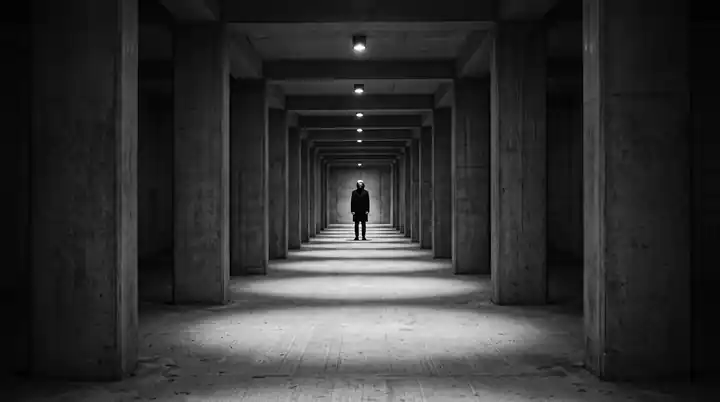
For a hypothetical film, a solitary figure beneath a suspended light could return with a wider environment revealed, then with the light extinguished. The motif remains legible while its meaning develops. This is a planning example, not a description of a released project.
Working on the next decision? Read How to choose an AI music video director for your release.
Vary more than shot quantity
Adding more cuts is only one way to increase energy. A closer camera, a longer-held image or a changed movement pattern can also alter the passage. Choose the change that fits the music and the established world.
Build a rough edit with placeholder frames. If the repeated sections already feel identical, generating higher-quality versions of the same plan is unlikely to solve the structural problem.
Generate shot families with clear roles
For each chorus, identify the establishing image, the main action and the detail that carries the change. This keeps generation focused on the edit rather than on accumulating impressive but interchangeable shots.
If using an image-to-video workflow, approve the keyframe and specify the motion separately. Runway's Gen-4 prompting guide is a model-specific reference for that distinction; adapt the method to the tool you actually use.
Check the whole song
Watch the film from the first chorus to the last without stopping. Ask whether each return adds information or emotional force. A spectacular final image earns more when the earlier sections prepare the audience for it.
Include the song structure and your intended emotional progression in a director's brief. That gives the film a musical foundation before the visual production begins.
Sources and further reading
AI-assisted practical guide published by Chris Raw Studio. The linked references support the technical and product information; planning examples are illustrative. No original product test is claimed.