[ PRACTICAL GUIDE / POST-PRODUCTION ]
Should you finish the color before the AI music video edit is locked?
[ THE SHORT ANSWER ]
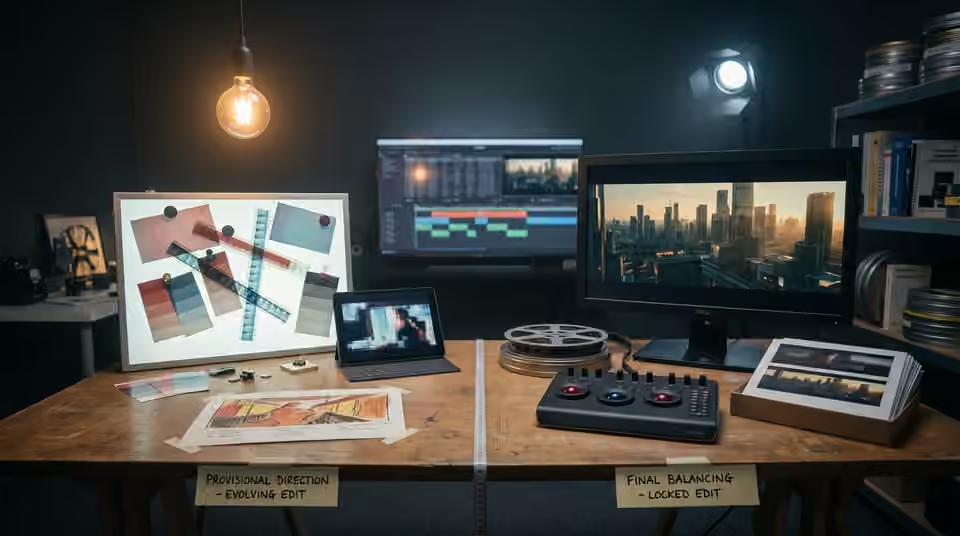
An early color direction can help a team judge the film, but detailed finishing is easier to manage when the shot choices and timing are stable. Separate a provisional look from final shot balancing so an evolving edit does not repeatedly undo finished work.
Establish the look with a small sequence
Choose representative material: a face, a wider setting, a difficult highlight and a transition between different lighting conditions. Use this sequence to agree the broad palette and contrast. It should expose the look's limits, not merely flatter the strongest image. Keep the treatment clearly labelled as provisional so reviewers do not confuse a direction reference with a completed grade.
Track replacements during the edit
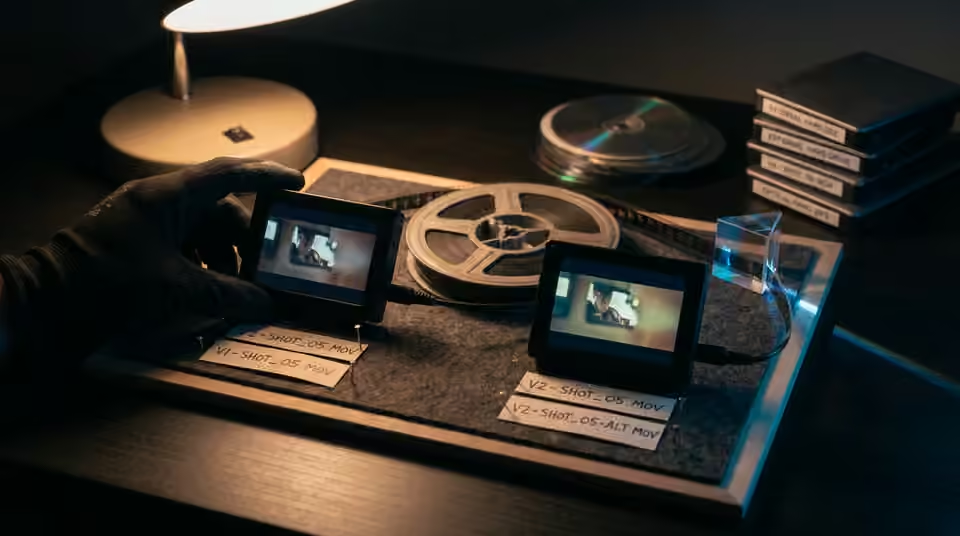
When a generated shot is replaced, record its identity and version. A new file with the same visual subject may have different exposure, color and timing. Do not assume the previous correction transfers unchanged. Keep original source clips and avoid baking a temporary look into every intermediate file unless that choice is documented and necessary for the workflow.
Define what edit lock means
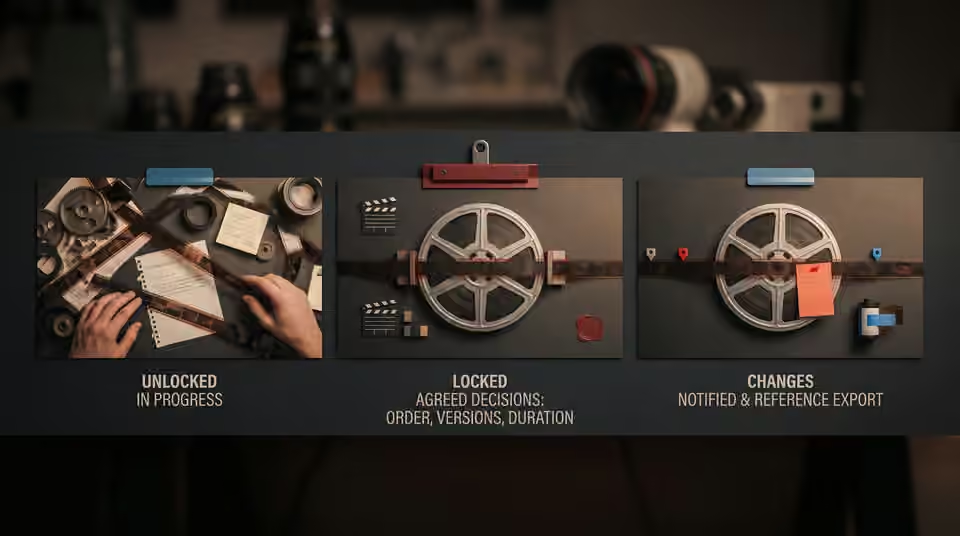
Agree which decisions are stable before the finishing pass: shot order, selected versions, duration and delivery formats. Small changes can still happen, but they should be identified as changes rather than silently overwriting the approved timeline. Provide a reference export and a clear list of any expected outstanding replacements. This lets the colorist distinguish intentional timing from a conform problem.
Working on the next decision? Read How to prepare AI video files for a colorist.
Review the final film as a sequence
After balancing and the creative treatment are complete, watch the whole cut at normal speed. Check the beginning and end of each shot, transitions into titles and consistency across alternate formats. A strong isolated still does not guarantee a smooth visual progression. If the edit changes again, review the affected neighbours as well as the replacement. Preserve a clean archive of the final sources and settings so later teaser versions can be finished deliberately rather than reconstructed from a compressed upload.
Sources and further reading
- How to prepare AI video files for a colorist ↗
- Which AI video revisions should happen before the final render? ↗
- Adobe: color management in Premiere ↗
- Blackmagic Design: Resolve color tools ↗
AI-assisted practical guide published by Chris Raw Studio. The linked references support the technical and product information; planning examples are illustrative. No original product test is claimed.
Explore Chris Raw’s selected films to see the finished work, or meet the director behind the studio.