[ PRACTICAL GUIDE / MOTION & EDITING ]
How do you slow down AI video without breaking the motion?
[ THE SHORT ANSWER ]
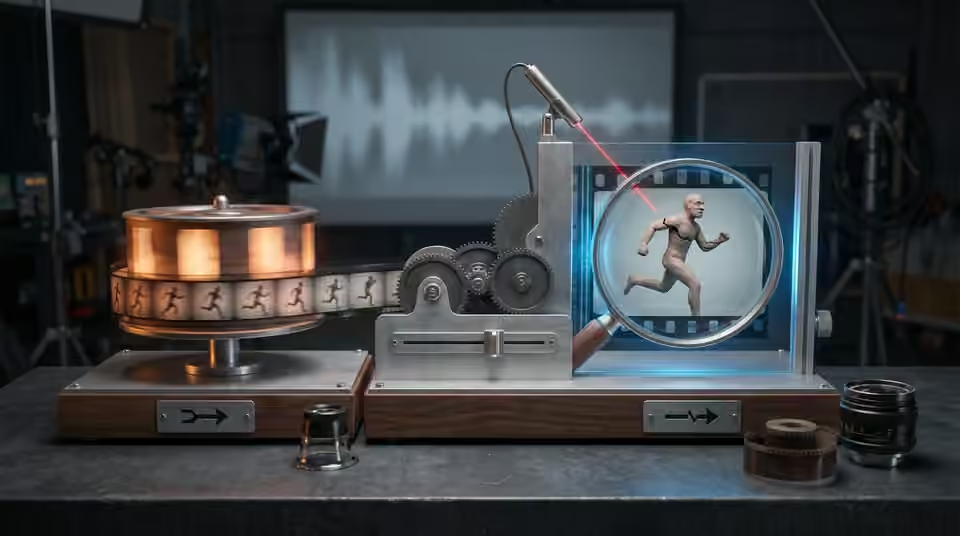
Slowing an AI clip changes how long the viewer can inspect its motion. It can reveal an unstable hand, a shifting face or an awkward step that passed unnoticed at normal speed. Start with the intended action and delivery frame rate, then test the actual clip rather than assuming slow motion will make it more cinematic.
Find the useful part of the action
Watch the original at its normal rate. Mark the interval where the movement is coherent and the subject remains consistent. A shorter clean gesture may serve the edit better than a longer slowed version of an unstable action. Also check whether the musical beat calls for sustained movement or a quick transition; slower is not automatically more expressive.
Understand the timing change
Distinguish interpreting recorded frames at a different playback rate from synthesising intermediate frames. Those operations do not produce the same result. Check your editor's retiming options and test them on the shot itself. Areas where objects overlap, hands cross faces or fine details change shape deserve particular attention because an apparently smooth result may still contain misleading forms.

Review the cut, not just the effect
Compare the slowed candidate with the shots before and after it. Check the beginning and end of the movement, the perceived weight of the subject and the moment where the soundtrack asks the image to change. Avoid approving a long clip solely because one central second looks convincing. Include the retimed section in a review export so collaborators see its actual duration.

Working on the next decision? Read How long should an AI video shot be before you generate it?.
Plan slow motion earlier next time
If the result needs excessive repair, revise the generation brief toward a simpler or slower action and leave useful handles for the edit. Keep the unretimed original so later changes remain reversible. Record which version was approved and whether retiming has already been baked into the supplied clip. The final decision should be based on clear movement at delivery speed, not on the smoothness of a preview thumbnail.
Sources and further reading
- How long should an AI video shot be before you generate it? ↗
- Which AI video revisions should happen before the final render? ↗
AI-assisted practical guide published by Chris Raw Studio. The linked references support the technical and product information; planning examples are illustrative. No original product test is claimed.