[ PRACTICAL GUIDE / REVIEWS & APPROVAL ]
How do you write feedback that an AI video team can actually use?
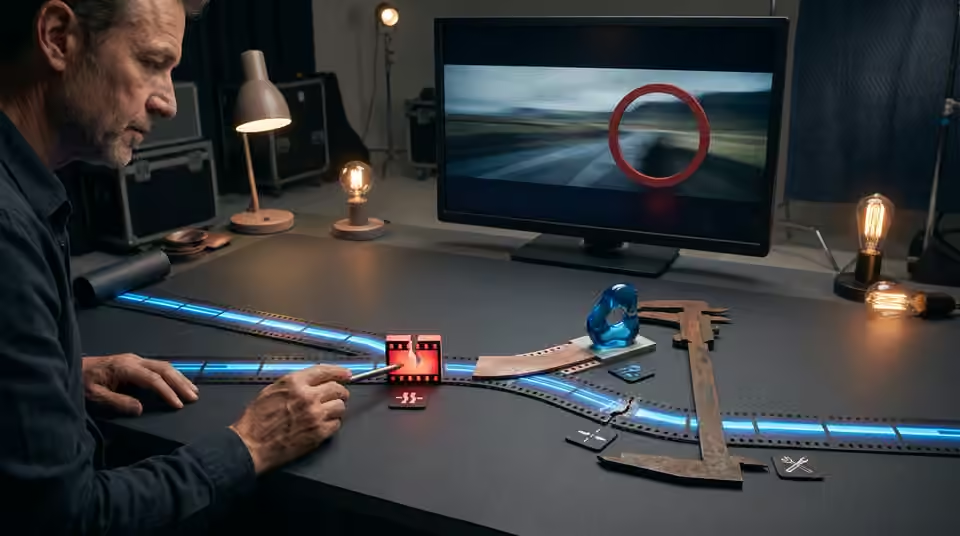
[ THE SHORT ANSWER ]
Useful feedback identifies a moment, explains the problem and gives the team a clear decision to make. It does not need to prescribe the software fix. For AI video, separate a new artistic direction from a fault in an otherwise approved shot so the next round has a realistic scope.
Name the exact version
Begin with the review filename or link and its version number. Use timecodes from that export, especially if earlier cuts have different timings. State whether the note covers one shot or a repeated issue across the sequence. A comment about the face at the start of the chorus is ambiguous when the team has moved the chorus transition since the previous review.
Describe the visible problem
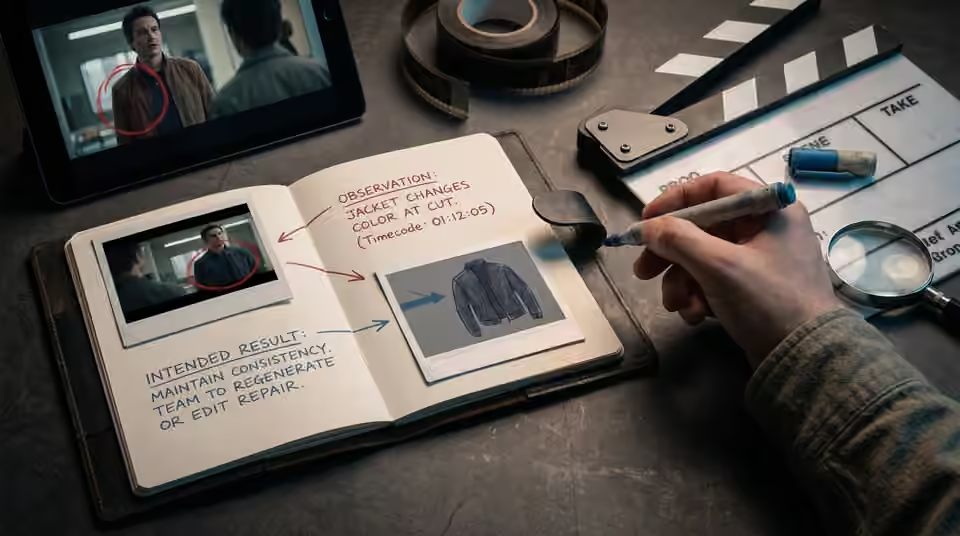
Replace make it better with an observation: the jacket changes color at the cut, the hand merges into the microphone, or the artist becomes too small to read on a phone. Then state the intended result. This gives the team room to choose between regeneration, a different take or an editorial repair without guessing what the reviewer disliked.
Separate priority from preference
Mark must-fix continuity problems separately from optional variations. Explain when a note reverses an earlier approval, such as replacing the entire location family. Consolidate feedback from the artist, label and other reviewers into one agreed list before starting the round. Conflicting requests should be resolved as creative decisions, not passed downstream as instructions to do both.

Working on the next decision? Read Which AI video revisions should happen before the final render?.
Close the review loop
Ask for a short change log with the next export: fixed, alternative proposed or awaiting a decision. Review the surrounding sequence after a correction, because changing one shot can alter the rhythm or create a new mismatch. Keep resolved comments available for context rather than repeatedly reopening them without explanation. Before final delivery, confirm the approved version and formats explicitly. That record is more reliable than treating the most recent message in a long chat as the final production instruction.
Sources and further reading
- Which AI video revisions should happen before the final render? ↗
- How to choose an AI music video director for your release ↗
AI-assisted practical guide published by Chris Raw Studio. The linked references support the technical and product information; planning examples are illustrative. No original product test is claimed.