
Why does film grain disappear or turn muddy on social video?
Test texture after resizing and compression instead of judging grain only inside the editing application.
2 MIN READ / READ GUIDE ↗ЗАМЕТКИ / ПРАКТИЧЕСКИЕ РУКОВОДСТВА
НАЧАТЬ ПРОЕКТ[ CHRIS RAW / ЗАМЕТКИ ]
Практические ответы на вопросы о видео с ИИ, музыкальных релизах, цветокоррекции и сдаче проекта.
ВОПРОСЫ И ОТВЕТЫ / ИСТОЧНИКИ / КОНКРЕТНЫЕ ШАГИПрактические руководства по видео с ИИ (на английском) ↓[ PRACTICAL GUIDES / CHRIS RAW STUDIO ]
Practical questions about AI video production, color and finishing. AI-assisted guides with source references.
Test texture after resizing and compression instead of judging grain only inside the editing application.
2 MIN READ / READ GUIDE ↗
Judge apparent detail at delivery size and separate soft source material from sharpening artifacts.
2 MIN READ / READ GUIDE ↗
Check source detail, saturation and the creative look without flattening the red-light atmosphere.
2 MIN READ / READ GUIDE ↗
Compare source interpretation, project settings and dependencies before altering a transferred grade.
2 MIN READ / READ GUIDE ↗
Separate source correction from the creative look, and test the order without neutralising intentional lighting.
2 MIN READ / READ GUIDE ↗
Find whether visible gradient steps come from the source, processing or export before adding noise or increasing file size.
3 MIN READ / READ GUIDE ↗
Choose a creative look strength using a representative sequence, readable subjects and the final delivery rather than a fixed percentage.
3 MIN READ / READ GUIDE ↗
Trace input transforms, clip effects, adjustment layers and baked exports to remove accidental duplicate grading.
3 MIN READ / READ GUIDE ↗
Diagnose source balance, look strength and selective adjustments before trying to force every face toward one color.
3 MIN READ / READ GUIDE ↗
Keep subjects readable in monochrome by checking tonal separation, source detail and contrast before adding a stronger look.
3 MIN READ / READ GUIDE ↗
Trace a color change through the source, timeline, export and playback environment before changing the grade.
3 MIN READ / READ GUIDE ↗
A .CUBE LUT changes color, not film grain. Learn where texture belongs in your grading workflow and what to check before exporting AI video.
3 MIN READ / READ GUIDE ↗
A LUT maps colors; a PowerGrade keeps an editable Resolve grade. Compare editor support, shot matching and handoff needs to choose the right format.
4 MIN READ / READ GUIDE ↗
Diagnose mismatched AI clips before applying a creative LUT, and separate shot balancing from the finishing look.
4 MIN READ / READ GUIDE ↗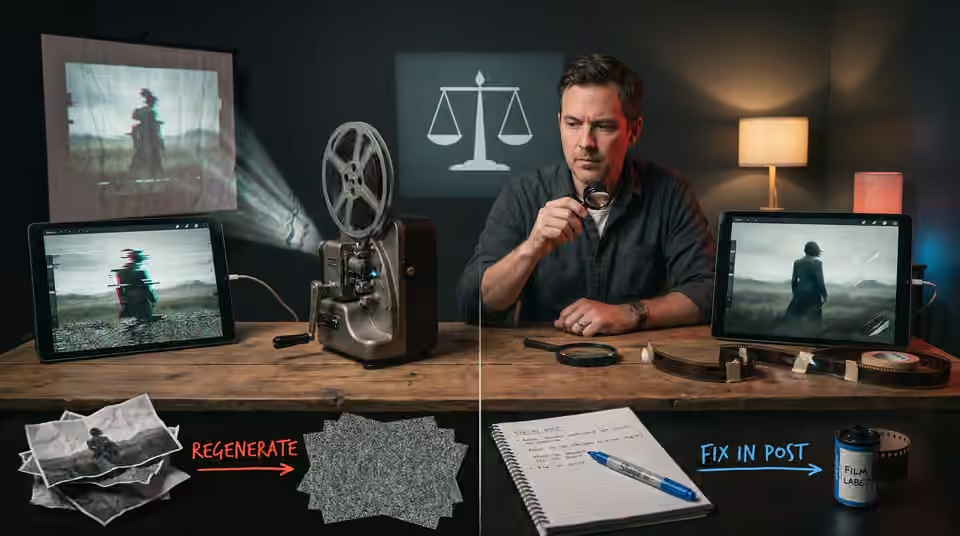
Choose the repair route by the fault, the shot’s purpose and the consequences for the surrounding edit.
5 MIN READ / READ GUIDE ↗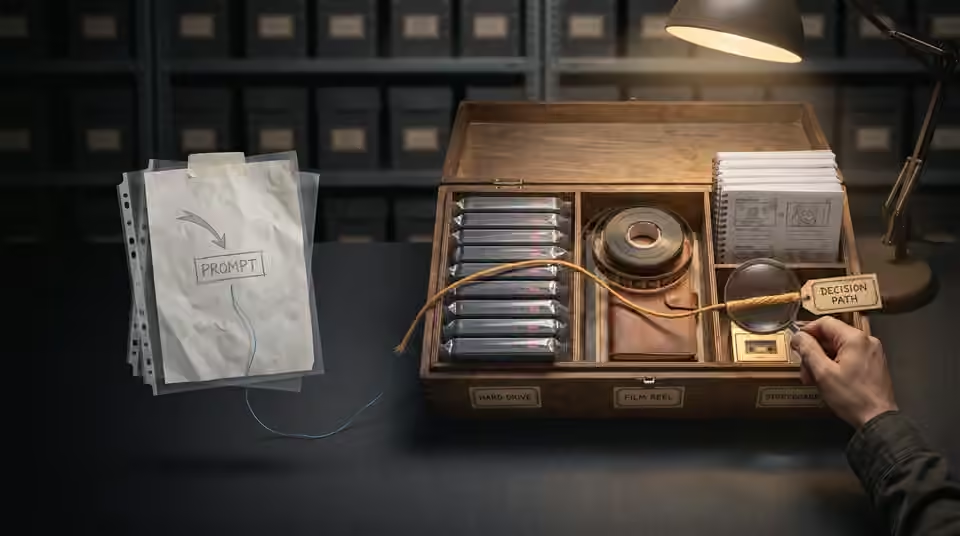
Keep the approved media and production decisions together instead of relying on prompts alone to recreate a film.
2 MIN READ / READ GUIDE ↗
Review the actual exported files for picture, sound, text and version accuracy before sending the delivery link.
2 MIN READ / READ GUIDE ↗
Separate the message, product constraints and release purpose before choosing a visual treatment.
2 MIN READ / READ GUIDE ↗
Keep exact artist names, release dates and campaign typography controllable through revisions and alternate formats.
2 MIN READ / READ GUIDE ↗
Use an early look to guide the edit while keeping detailed finishing tied to stable shot decisions.
2 MIN READ / READ GUIDE ↗
Build a coherent reference pack with the angles, wardrobe and approved identity details the sequence needs.
2 MIN READ / READ GUIDE ↗
Use movement, shape, light or story purpose to make a cut feel intentional before adding an effect.
2 MIN READ / READ GUIDE ↗
Choose a few anchor images around the track’s important moments instead of making every shot compete.
2 MIN READ / READ GUIDE ↗
Plan where each character looks so separate shots read as one shared encounter.
2 MIN READ / READ GUIDE ↗
Attach each note to a version, a timecode and an observable change before another revision round.
2 MIN READ / READ GUIDE ↗
Test the movement and the available frames before relying on a slow-motion finish.
2 MIN READ / READ GUIDE ↗
Use a small test to expose the hardest production assumptions before committing the full shot list.
2 MIN READ / READ GUIDE ↗
Review identity across the cut using angle, lighting and reference coverage before regenerating an entire sequence.
2 MIN READ / READ GUIDE ↗
Separate camera drift from subject motion and build a simpler test for a genuinely static composition.
2 MIN READ / READ GUIDE ↗
Give each shot an identity, a purpose and an approval state so feedback does not drift between versions.
2 MIN READ / READ GUIDE ↗
Build a useful reference set by separating identity, composition, lighting and mood instead of collecting contradictory images.
4 MIN READ / READ GUIDE ↗
Choose one visual promise, a readable release message and an ending that makes a short teaser feel deliberate.
3 MIN READ / READ GUIDE ↗
Check the seam, motion and internal transformations before relying on a crossfade to make a visualizer repeat.
3 MIN READ / READ GUIDE ↗
Use a simple spatial plan to keep entrances, exits, eyelines and movement understandable across generated shots.
3 MIN READ / READ GUIDE ↗
Choose AI video shot lengths around the action and music. Plan usable frames, edit handles and clip tests before spending time on the final generation.
3 MIN READ / READ GUIDE ↗
Give repeated choruses a visual progression through scale, proximity, consequence and recurring motifs.
3 MIN READ / READ GUIDE ↗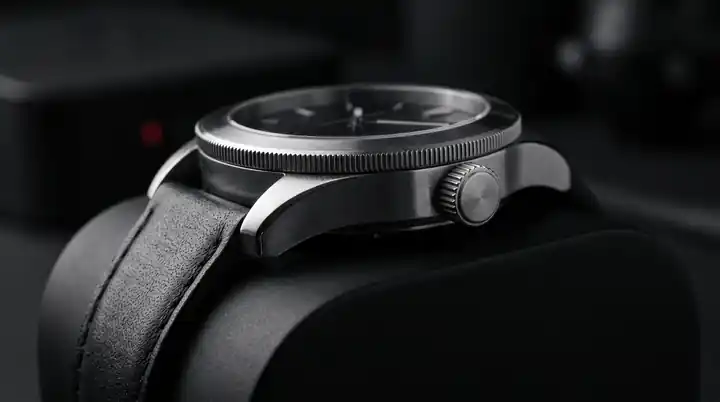
Plan around the product features that must remain exact, and decide when to use controlled assets instead of generated detail.
3 MIN READ / READ GUIDE ↗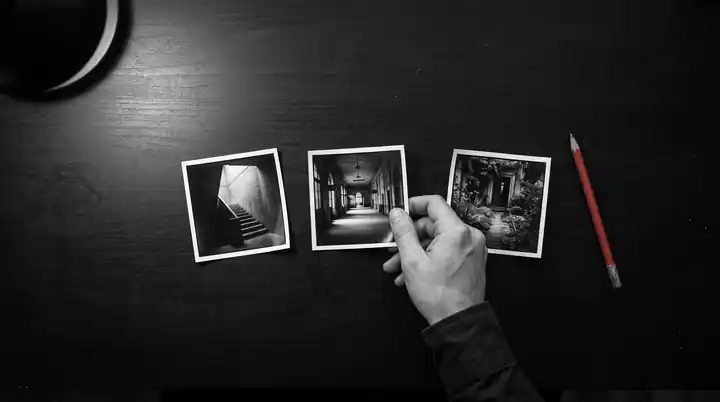
Separate direction changes, edit feedback and finishing fixes so revisions happen at the stage where they cost least.
3 MIN READ / READ GUIDE ↗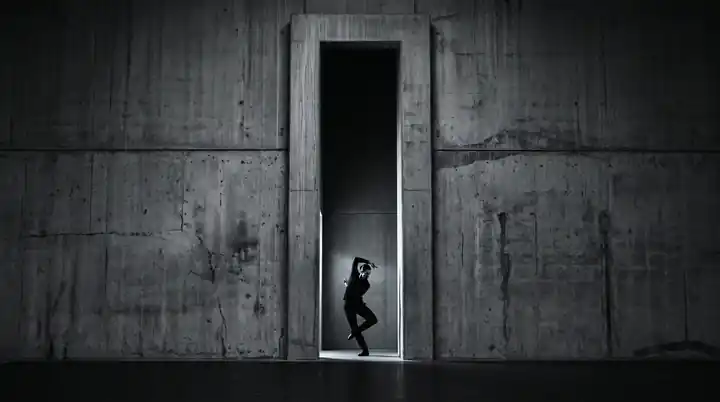
Plan two compositions from one visual concept without relying on a last-minute crop to save every shot.
3 MIN READ / READ GUIDE ↗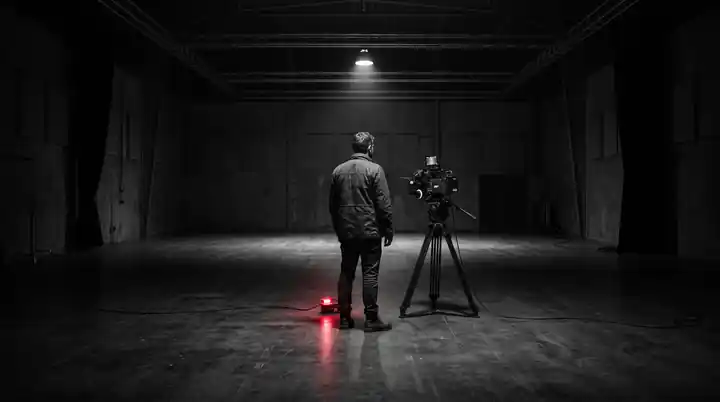
Evaluate complete films, planning, revision boundaries and delivery scope before commissioning an AI music video.
4 MIN READ / READ GUIDE ↗
A practical handoff checklist for original AI clips, reference exports, edit decisions and color instructions.
3 MIN READ / READ GUIDE ↗[ FROM THE PORTFOLIO ]
Earlier first-person notes sit alongside the practical question guides.
Редко проблема в создании одного сильного кадра. Сложно сделать так, чтобы тридцать или сорок планов принадлежали одному фильму. Я решаю это до финального монтажа, определяя, что мир допускает, а что отвергает.
3 МИН ЧТЕНИЯ / CHRIS RAW ↗
Визуальный мир — не более длинный мудборд. Это решения, делающие релиз узнаваемым ещё до имени артиста. Трек даёт эмоциональную логику; я превращаю её в изображения, работающие во всей кампании.
2 МИН ЧТЕНИЯ / CHRIS RAW ↗
ИИ-планы полезны, когда у клипа есть концепция, но нужны масштаб, мир или трудные для съёмки сцены. Случайная зрелищность не помогает: новые планы должны органично входить в монтаж.
2 МИН ЧТЕНИЯ / CHRIS RAW ↗ИИ-клип не создаётся нажатием «генерировать» до нужного числа фрагментов. Я работаю как с фильмом: понимаю трек, определяю систему, строю планы под монтаж и осмысленно завершаю каждый формат.
2 МИН ЧТЕНИЯ / CHRIS RAW ↗Музыкальный визуалайзер — это видео, которое сопровождает песню одной устойчивой визуальной идеей: сценой, анимацией или циклом. Музыкальный клип может развивать сюжет, выступление или последовательность меняющихся сцен. Оба формата могут длиться всю песню; разница в развитии изображения, а не только в продолжительности. Выбирайте формат под задачу релиза.
3 МИН ЧТЕНИЯ / CHRIS RAW ↗
Хороший бриф не предписывает каждый кадр. Он объясняет трек, аудиторию, желаемый эффект и реальные ограничения. Это позволяет режиссёру принимать точные решения без подражания чужой работе.
2 МИН ЧТЕНИЯ / CHRIS RAW ↗[ SEE THE FINISHED WORK ]
Суммарные просмотры Instagram по 63 published reels. Explore finished films and credited Chris Raw projects separately from these practical answers.
СМОТРЕТЬ ИЗБРАННЫЕ РАБОТЫ