
Why does film grain disappear or turn muddy on social video?
Test texture after resizing and compression instead of judging grain only inside the editing application.
2 MIN READ / READ GUIDE ↗CUADERNO / GUÍAS PRÁCTICAS
EMPEZAR UN PROYECTO[ CHRIS RAW / CUADERNO ]
Respuestas prácticas sobre vídeo con IA, lanzamientos musicales, etalonaje y entrega.
GUÍAS POR PREGUNTAS / FUENTES / PASOS CONCRETOSVer guías prácticas de vídeo con IA (en inglés) ↓[ PRACTICAL GUIDES / CHRIS RAW STUDIO ]
Practical questions about AI video production, color and finishing. AI-assisted guides with source references.
Test texture after resizing and compression instead of judging grain only inside the editing application.
2 MIN READ / READ GUIDE ↗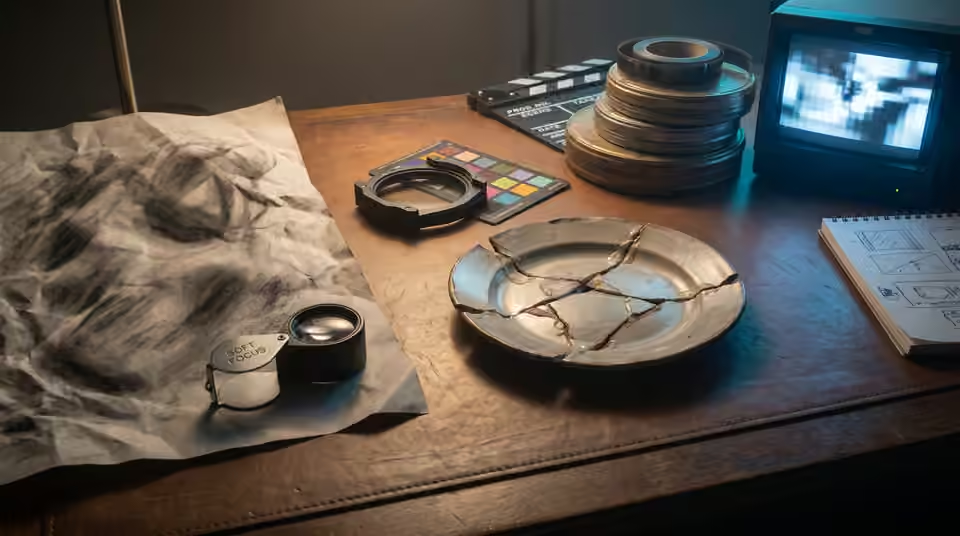
Judge apparent detail at delivery size and separate soft source material from sharpening artifacts.
2 MIN READ / READ GUIDE ↗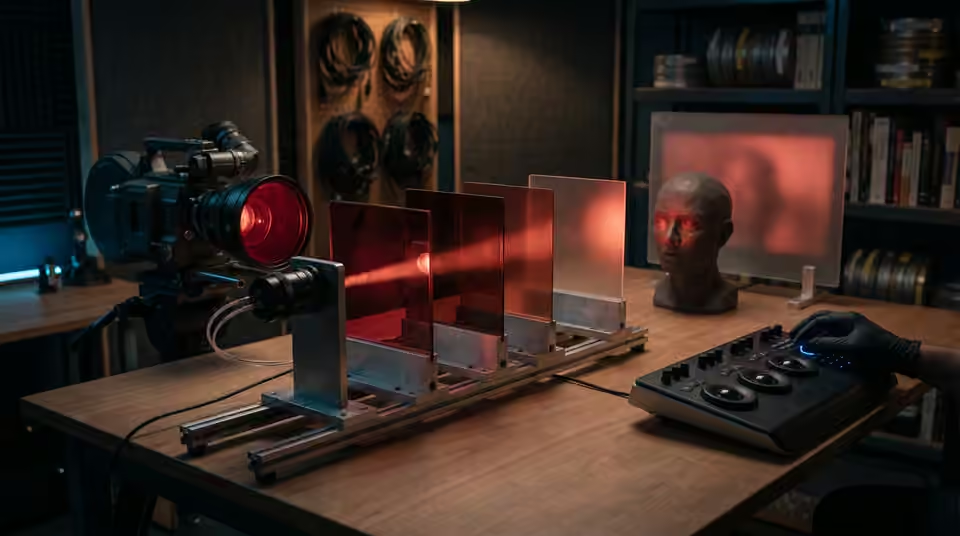
Check source detail, saturation and the creative look without flattening the red-light atmosphere.
2 MIN READ / READ GUIDE ↗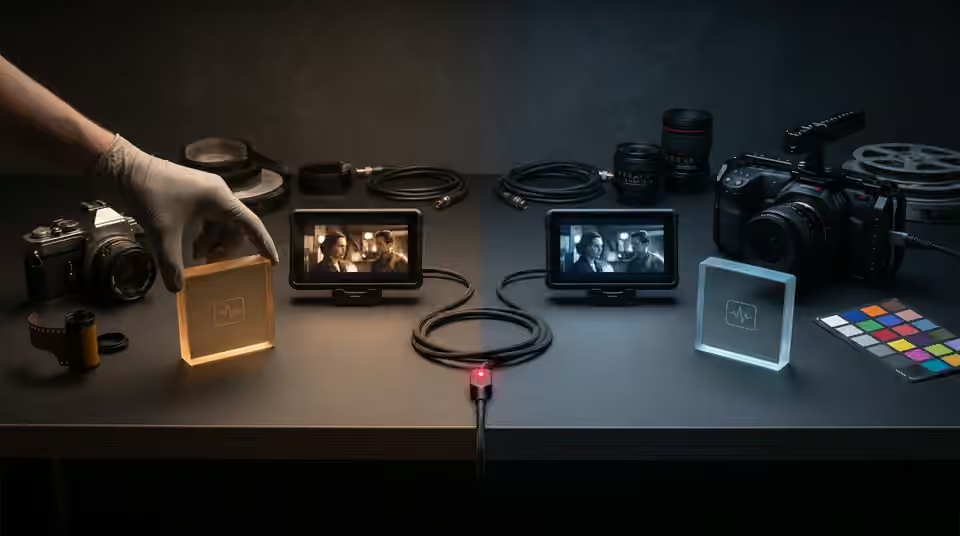
Compare source interpretation, project settings and dependencies before altering a transferred grade.
2 MIN READ / READ GUIDE ↗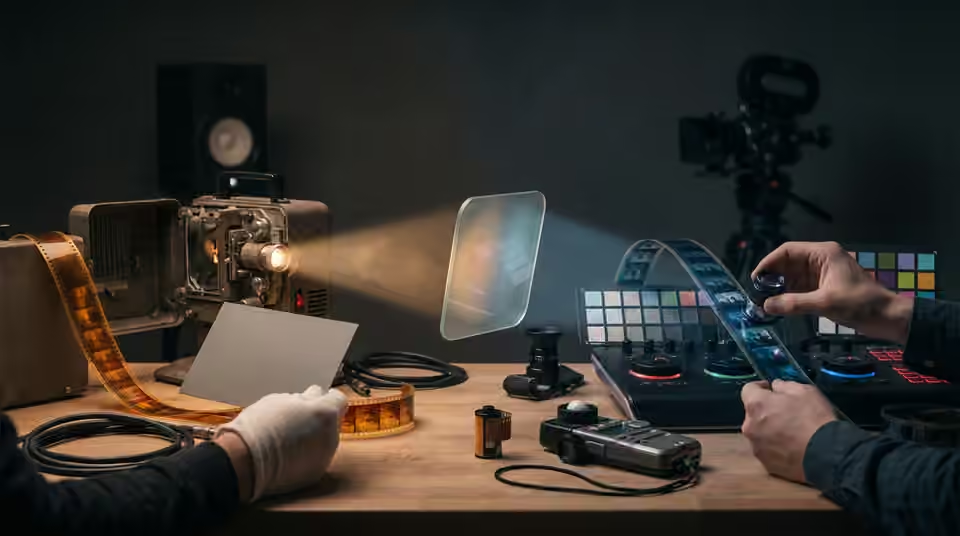
Separate source correction from the creative look, and test the order without neutralising intentional lighting.
2 MIN READ / READ GUIDE ↗
Find whether visible gradient steps come from the source, processing or export before adding noise or increasing file size.
3 MIN READ / READ GUIDE ↗
Choose a creative look strength using a representative sequence, readable subjects and the final delivery rather than a fixed percentage.
3 MIN READ / READ GUIDE ↗
Trace input transforms, clip effects, adjustment layers and baked exports to remove accidental duplicate grading.
3 MIN READ / READ GUIDE ↗
Diagnose source balance, look strength and selective adjustments before trying to force every face toward one color.
3 MIN READ / READ GUIDE ↗
Keep subjects readable in monochrome by checking tonal separation, source detail and contrast before adding a stronger look.
3 MIN READ / READ GUIDE ↗
Trace a color change through the source, timeline, export and playback environment before changing the grade.
3 MIN READ / READ GUIDE ↗
A .CUBE LUT changes color, not film grain. Learn where texture belongs in your grading workflow and what to check before exporting AI video.
3 MIN READ / READ GUIDE ↗
A LUT maps colors; a PowerGrade keeps an editable Resolve grade. Compare editor support, shot matching and handoff needs to choose the right format.
4 MIN READ / READ GUIDE ↗
Diagnose mismatched AI clips before applying a creative LUT, and separate shot balancing from the finishing look.
4 MIN READ / READ GUIDE ↗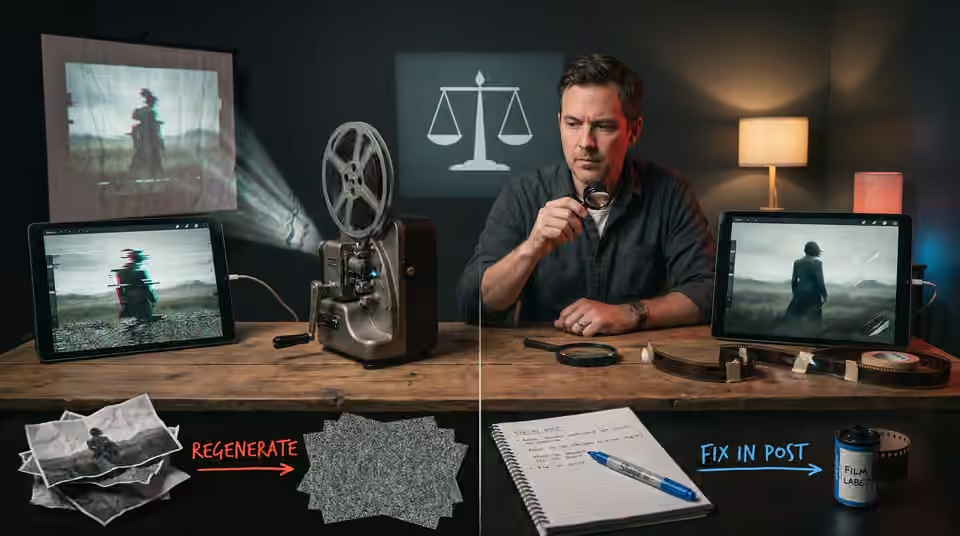
Choose the repair route by the fault, the shot’s purpose and the consequences for the surrounding edit.
5 MIN READ / READ GUIDE ↗
Keep the approved media and production decisions together instead of relying on prompts alone to recreate a film.
2 MIN READ / READ GUIDE ↗
Review the actual exported files for picture, sound, text and version accuracy before sending the delivery link.
2 MIN READ / READ GUIDE ↗
Separate the message, product constraints and release purpose before choosing a visual treatment.
2 MIN READ / READ GUIDE ↗
Keep exact artist names, release dates and campaign typography controllable through revisions and alternate formats.
2 MIN READ / READ GUIDE ↗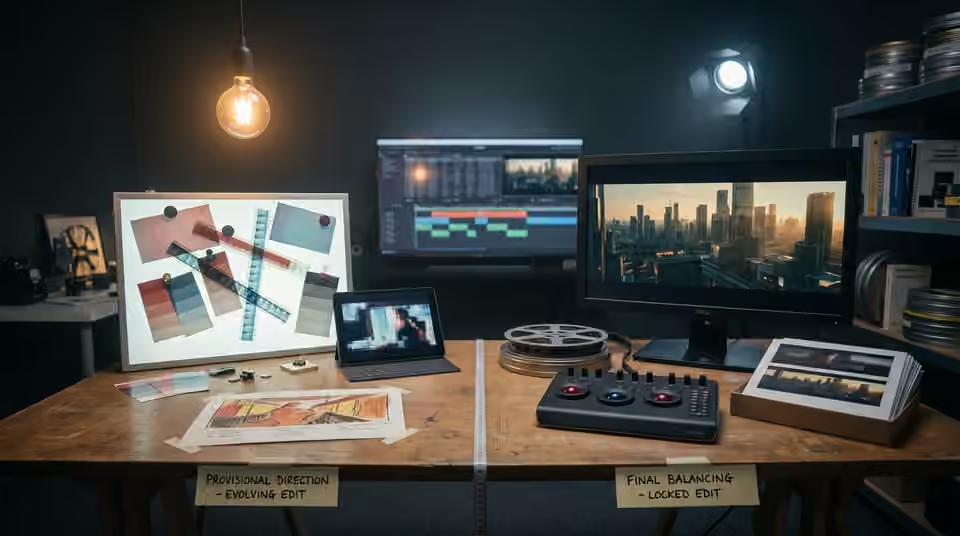
Use an early look to guide the edit while keeping detailed finishing tied to stable shot decisions.
2 MIN READ / READ GUIDE ↗
Build a coherent reference pack with the angles, wardrobe and approved identity details the sequence needs.
2 MIN READ / READ GUIDE ↗
Use movement, shape, light or story purpose to make a cut feel intentional before adding an effect.
2 MIN READ / READ GUIDE ↗
Choose a few anchor images around the track’s important moments instead of making every shot compete.
2 MIN READ / READ GUIDE ↗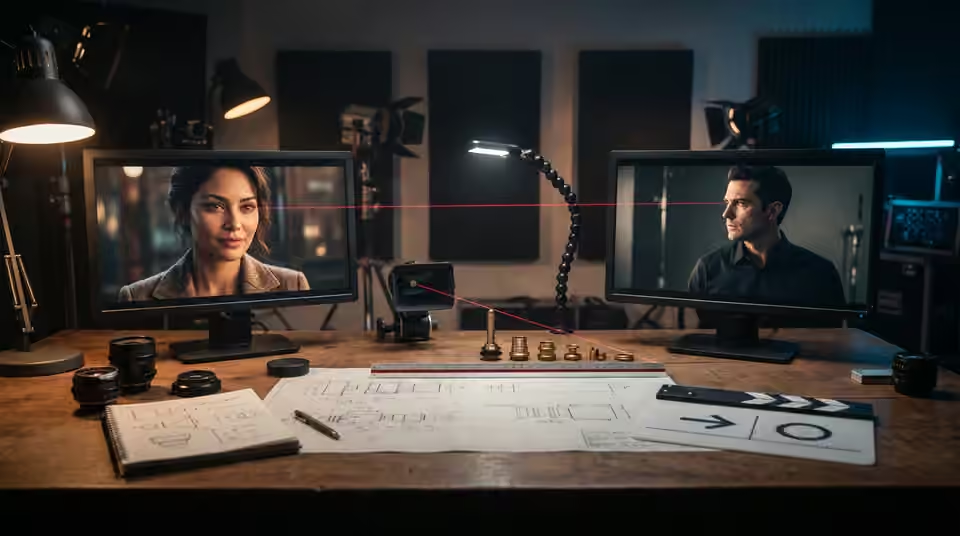
Plan where each character looks so separate shots read as one shared encounter.
2 MIN READ / READ GUIDE ↗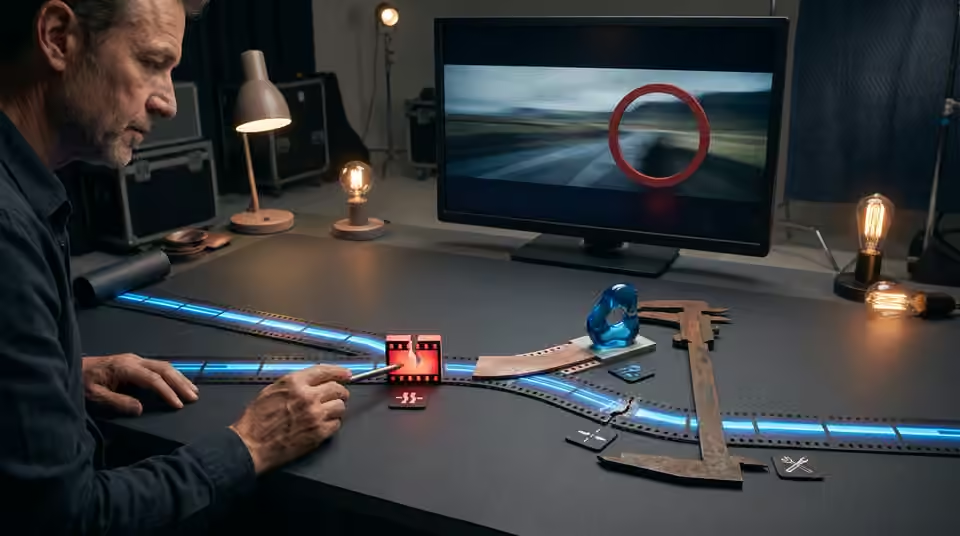
Attach each note to a version, a timecode and an observable change before another revision round.
2 MIN READ / READ GUIDE ↗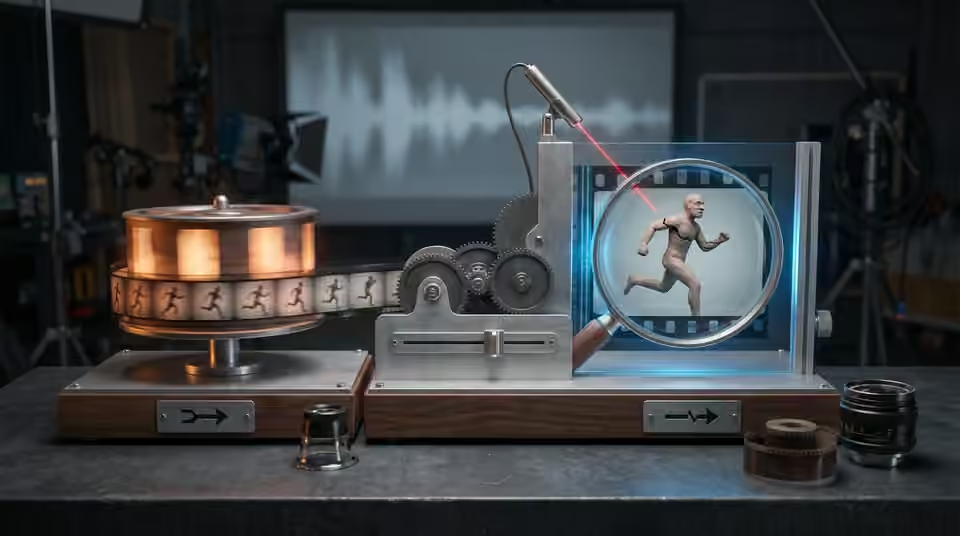
Test the movement and the available frames before relying on a slow-motion finish.
2 MIN READ / READ GUIDE ↗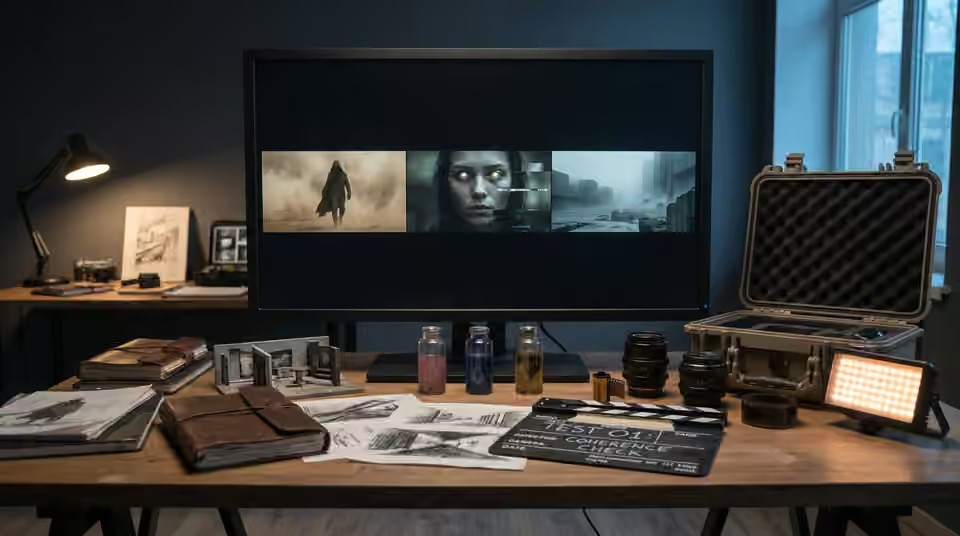
Use a small test to expose the hardest production assumptions before committing the full shot list.
2 MIN READ / READ GUIDE ↗
Review identity across the cut using angle, lighting and reference coverage before regenerating an entire sequence.
2 MIN READ / READ GUIDE ↗
Separate camera drift from subject motion and build a simpler test for a genuinely static composition.
2 MIN READ / READ GUIDE ↗
Give each shot an identity, a purpose and an approval state so feedback does not drift between versions.
2 MIN READ / READ GUIDE ↗
Build a useful reference set by separating identity, composition, lighting and mood instead of collecting contradictory images.
4 MIN READ / READ GUIDE ↗
Choose one visual promise, a readable release message and an ending that makes a short teaser feel deliberate.
3 MIN READ / READ GUIDE ↗
Check the seam, motion and internal transformations before relying on a crossfade to make a visualizer repeat.
3 MIN READ / READ GUIDE ↗
Use a simple spatial plan to keep entrances, exits, eyelines and movement understandable across generated shots.
3 MIN READ / READ GUIDE ↗
Choose AI video shot lengths around the action and music. Plan usable frames, edit handles and clip tests before spending time on the final generation.
3 MIN READ / READ GUIDE ↗
Give repeated choruses a visual progression through scale, proximity, consequence and recurring motifs.
3 MIN READ / READ GUIDE ↗
Plan around the product features that must remain exact, and decide when to use controlled assets instead of generated detail.
3 MIN READ / READ GUIDE ↗
Separate direction changes, edit feedback and finishing fixes so revisions happen at the stage where they cost least.
3 MIN READ / READ GUIDE ↗
Plan two compositions from one visual concept without relying on a last-minute crop to save every shot.
3 MIN READ / READ GUIDE ↗
Evaluate complete films, planning, revision boundaries and delivery scope before commissioning an AI music video.
4 MIN READ / READ GUIDE ↗
A practical handoff checklist for original AI clips, reference exports, edit decisions and color instructions.
3 MIN READ / READ GUIDE ↗[ FROM THE PORTFOLIO ]
Earlier first-person notes sit alongside the practical question guides.
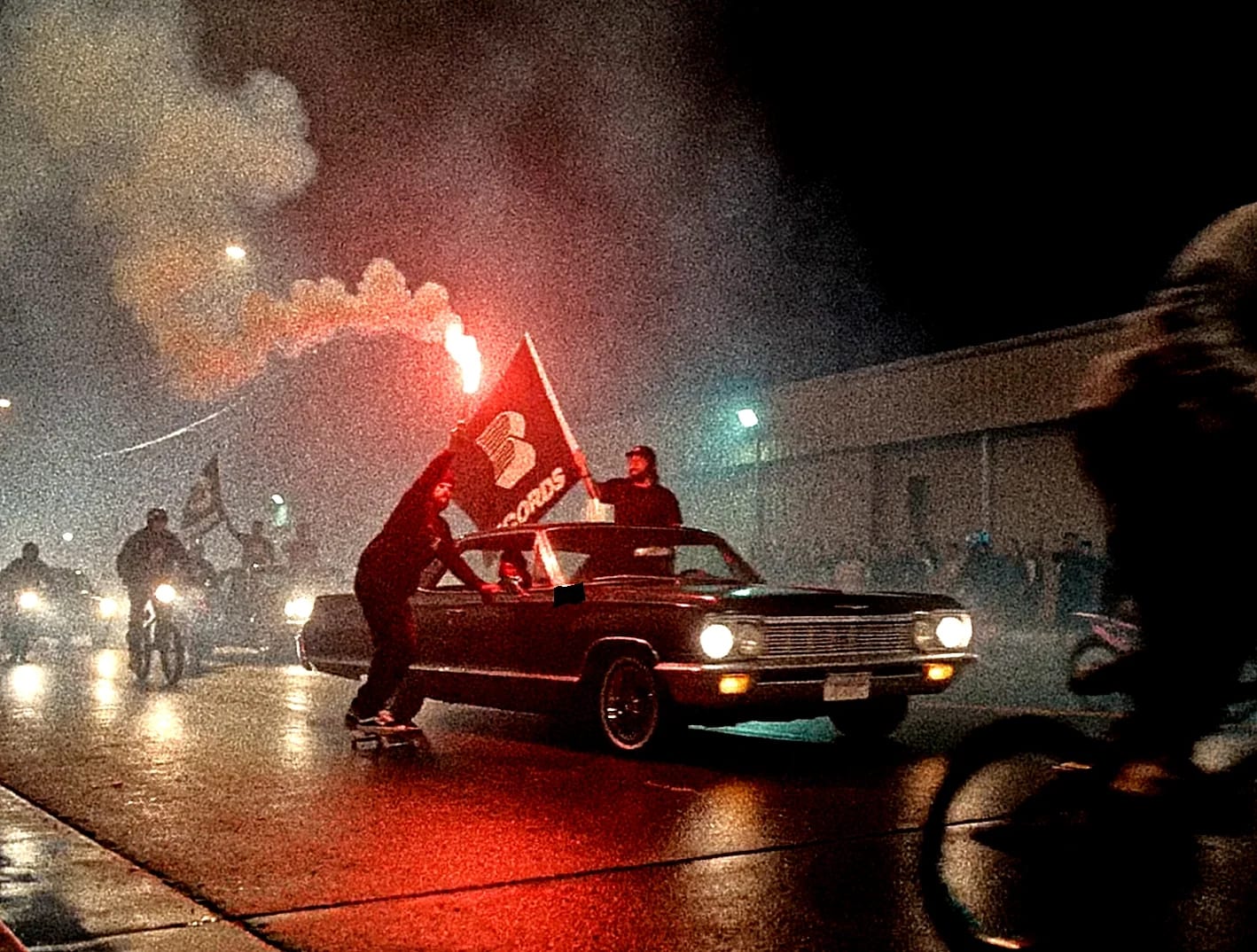
El problema rara vez es generar una buena imagen. Lo difícil es que treinta o cuarenta planos parezcan de la misma película. Lo resuelvo antes del montaje final, definiendo qué admite ese mundo y qué rechaza.
3 MIN DE LECTURA / CHRIS RAW ↗
Un universo visual no es un moodboard más largo. Es un conjunto de decisiones que hace reconocible el lanzamiento antes de leer el nombre del artista. La canción aporta la lógica emocional; yo la convierto en imágenes que funcionan en toda la campaña.
2 MIN DE LECTURA / CHRIS RAW ↗
Los planos con IA ayudan cuando el videoclip ya tiene dirección, pero necesita más mundo, escala o escenas difíciles de rodar. No sirven como espectáculo aleatorio. Los nuevos planos deben encajar de forma natural en el montaje.
2 MIN DE LECTURA / CHRIS RAW ↗Un videoclip con IA no se hace pulsando generar hasta reunir suficientes clips. Lo trato como cine: escuchar la canción, definir un sistema visual, crear planos para el montaje y terminar cada formato con intención.
2 MIN DE LECTURA / CHRIS RAW ↗Un visualizer musical es un vídeo que acompaña una canción con una idea visual sostenida: una escena, animación o bucle. Un videoclip puede desarrollar una historia, una interpretación o una secuencia de escenas cambiantes. Ambos pueden durar toda la canción; la diferencia está en cómo evolucionan las imágenes, no solo en la duración. Elige el formato según lo que necesite el lanzamiento.
3 MIN DE LECTURA / CHRIS RAW ↗
Un buen brief no dicta cada imagen. Explica canción, público, efecto buscado y límites reales. Da al director información para decidir con precisión sin convertir el proyecto en una imitación.
2 MIN DE LECTURA / CHRIS RAW ↗[ SEE THE FINISHED WORK ]
Vistas acumuladas en Instagram en 63 published reels. Explore finished films and credited Chris Raw projects separately from these practical answers.
VER PROYECTOS DESTACADOS